 Y2KCam




iPhone photos look overprocessed because the phone merges several exposures, removes noise and sharpens before you see the result. On most models there is no switch for it. A neutral style, lower exposure, better light or a camera app that takes a single frame will all bring you closer to a plain photo.
What the phone does, in Apple's words
Four parts of the pipeline have names. The descriptions come from Apple's support pages and press releases.
- HDR. "The iPhone camera takes several photos in rapid succession at different exposures and blends them together," says the iOS 27 user guide. That is why a window and the room in front of it can both be well lit.
- Smart HDR. Version 3 used machine learning "to recognize scenes and adjust sharpness, color, and tone where needed." Version 4 applies different adjustments for colour, contrast and noise to the subject and the background, and treats each person separately.
- Deep Fusion. "Pixel-by-pixel processing of photos, optimizing for texture, details and noise in every part of the photo."
- Photonic Engine. Since the iPhone 14 it applies Deep Fusion earlier in the imaging process. On the iPhone 17 Pro it puts machine learning into more parts of the pipeline "to preserve natural detail, reduce noise, and improve color accuracy."
The complaint has a wording too. Adobe's camera team calls it the "smartphone look": overly bright, low contrast, high colour saturation, strong smoothing and strong sharpening. They add that it makes photos easier to read on a small screen, and that part of it is what people choose.
How to recognise it
- Shadows that are brighter than you remember, and a sky with no glare.
- Hair, leaves or brickwork with a thin light line along the edge.
- Skin and fabric that turn smooth, most of all in low light.
- Faces lit differently from everything around them.
Check the original first. If you edited the photo, or an app did, choose Revert to Original in Photos and look again. Some of the crunch may be yours.
Settings that help
| Setting | What it does | Where it applies |
|---|---|---|
| Smart HDR off | In Settings, Camera. Then an HDR button in Camera turns it on or off. | iPhone 11 models, iPhone SE (2nd generation), iPhone 12. Not on later models. |
| Photographic Style | Standard is the neutral one. Tone and warmth can be shifted, and on iPhone 18 Pro and iPhone Duo there is a Texture control with Film and Grain. | Models that support styles. |
| Exposure | Tap the subject and drag the sun down, or lock a lower value. Shadows stay dark. | All models. |
| Night mode off | Tap its button. The scene stays as dark as it was, with more noise. | iPhone 11 and later. |
| ProRAW | Keeps more information for editing. Apple's processing is still part of it, and a 12 megapixel file is about 25 MB. | Pro models from iPhone 12 Pro. |
| Prioritize Faster Shooting | Changes how images are processed when you tap the shutter quickly. Apple does not say that turning it off means less processing. | In Settings, Camera. On by default. |
To keep a style, exposure or night mode choice for next time, turn it on under Preserve Settings. Light helps too. The less noise the sensor records, the less there is to remove, so a lamp or a window beats a setting.
Cameras that process less
Two camera apps explain in detail what they do differently.
- Halide has a mode called Process Zero. Its makers say it takes one photo where the phone would combine several, uses no AI and processes the raw data only slightly. They also list the price of that: grain, noise in the dark and a smaller range between bright and dark. The App Store page calls Halide a paid app with a 7 day free trial on the annual membership, or a one-time purchase (25 November 2026).
- Project Indigo from Adobe goes another way. It merges more frames, up to 32, exposes them darker and then applies only mild tone mapping, saturation and sharpening. The App Store page lists it as free for iOS 18.5 or later (25 November 2026).
Neither photo is unprocessed. Adobe reminds readers that pixels from a sensor always need white balance, colour correction and a few more steps before they are a picture.
Where a retro camera look fits
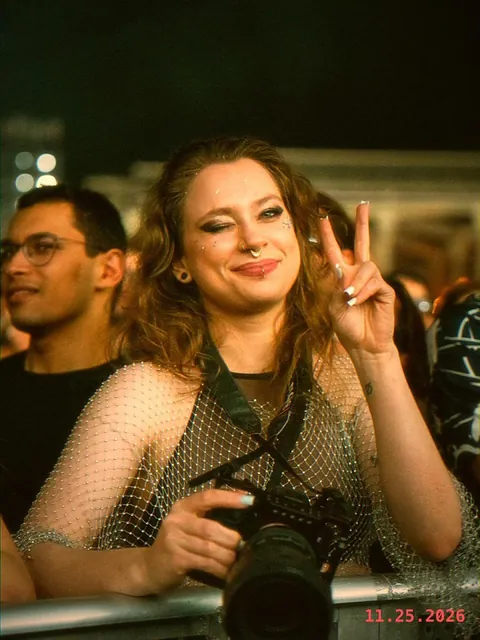
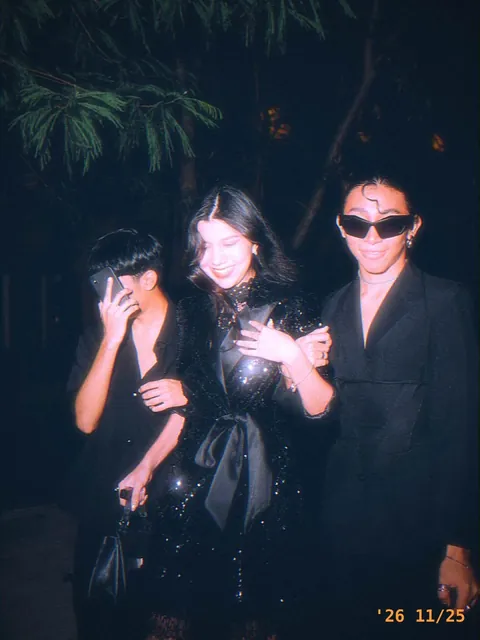
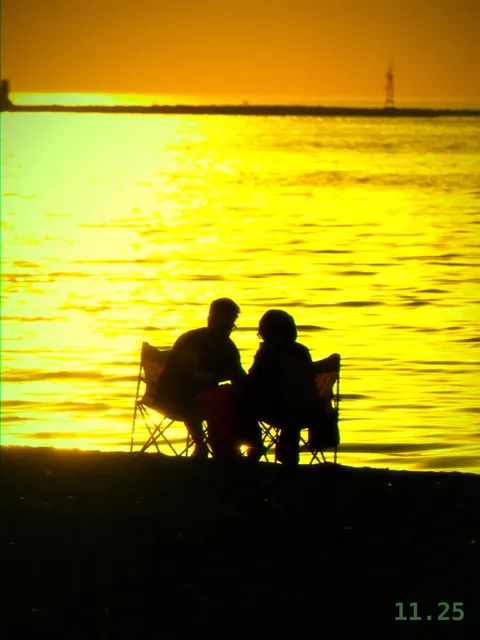
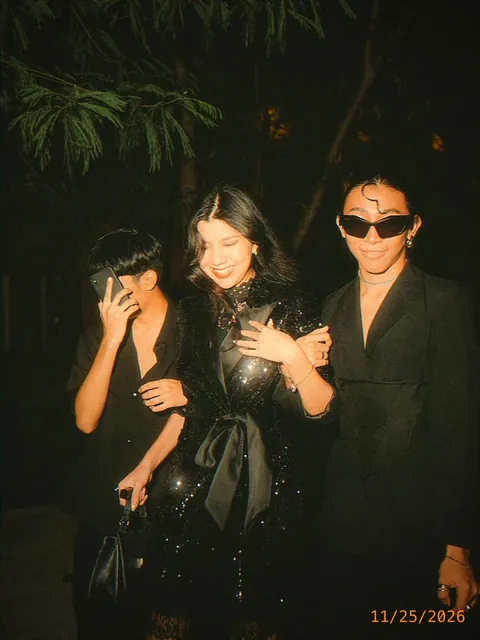
Y2KCam solves a different problem. It takes the photo the phone delivers and puts the look of an old camera over it, without AI. The phone's processing has already happened by then. Grain and soft edges cover the polished surface, hard contrast takes the lifted shadows down again, and the picture stops looking like everybody else's phone. Detail that was smoothed away stays away.
 Original photo
 Polaroid
 Flip Phone '06
 APS Film '96
A stock photo and three soft cameras. Fur loses its crisp edges and the blanket its fine pattern, which is the opposite of sharpening.
The choice of camera matters if sharp edges are what bothers you. Cybershot '03, PowerShot '05 and above all 2MP Digicam sharpen hard on purpose as part of their look. Polaroid, Holga '81, Diana Mini and APS Film '96 go the soft way.
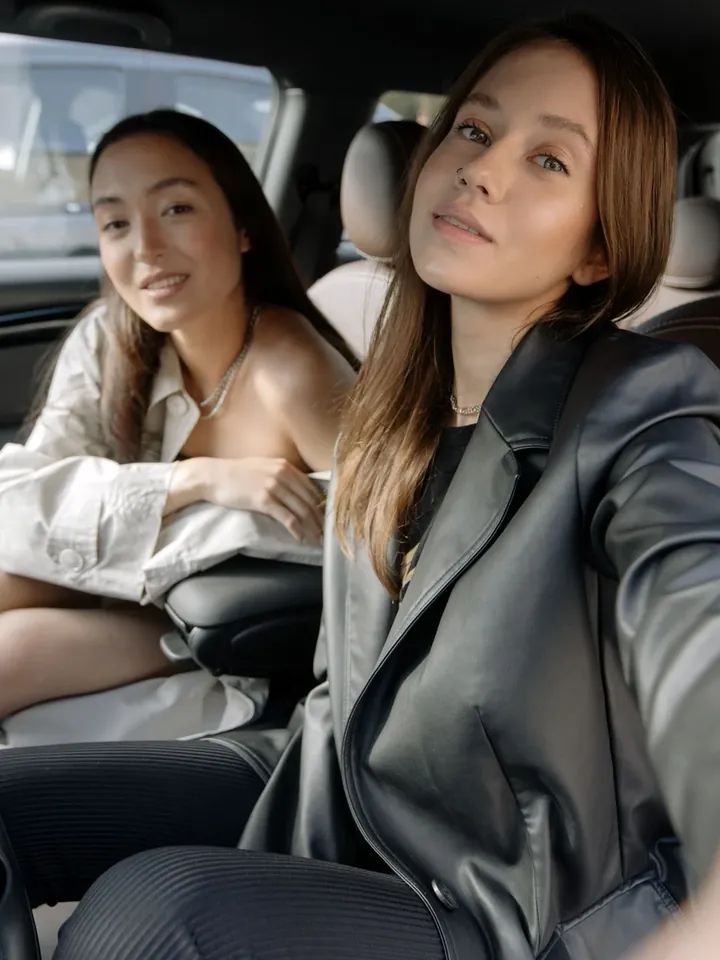 Original photo
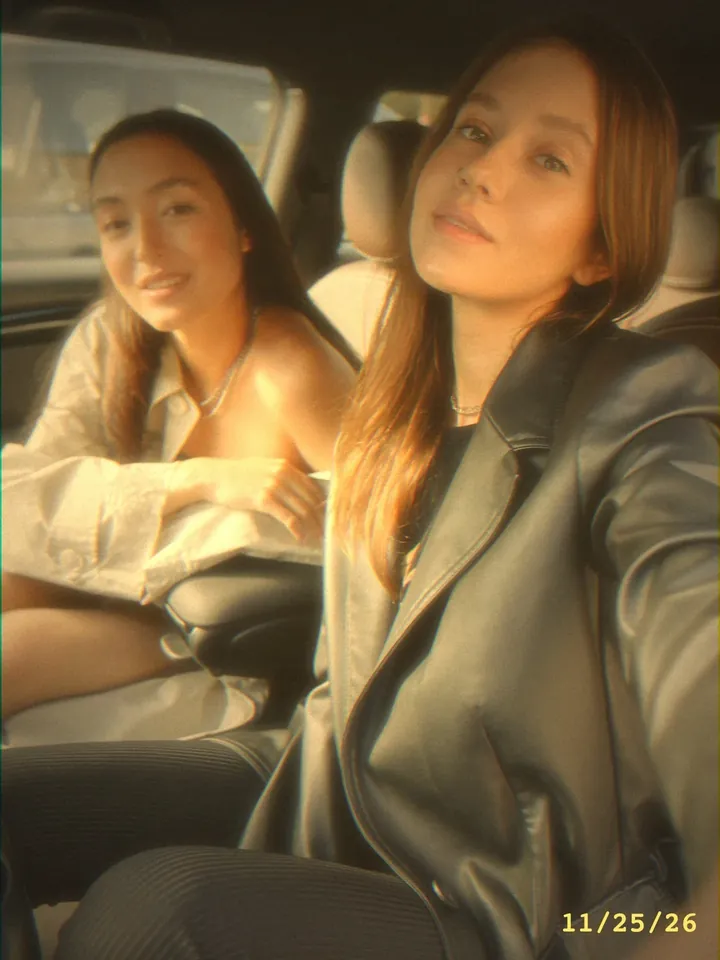 Holga '81
 on a stock photo: warmer, softer and with darker corners. The result is a different photo, and nobody would call it a neutral one.
If you want a plain, natural picture, start with the settings and the two apps above. If you want it to look like it came out of something with a wrist strap, see how to get the digital camera look or all 17 cameras.