 Y2KCam
How to print a date on a photo
- Choose a photo. On an iPhone the button opens your library or the camera.
- Check the date. The field starts with the day the file was last changed. Change it to the day the photo was taken.
- Pick the format and colour. American order, European order, the short form of film cameras with an apostrophe, or the year first.
- Save. If the share sheet opens, tap Save Image. Otherwise look for the JPEG in your downloads.
What old cameras printed
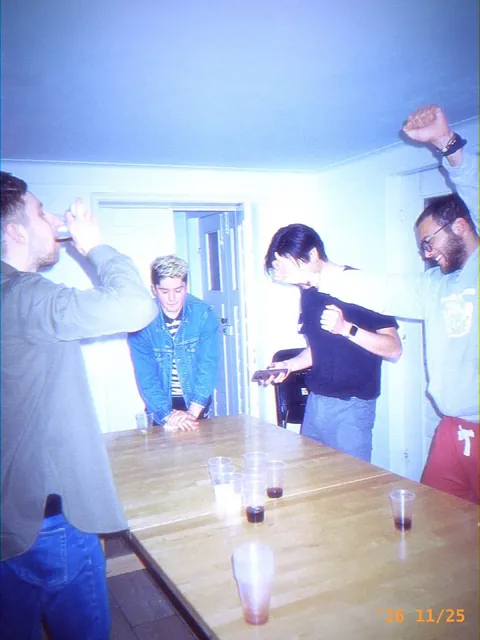
Film cameras with a date back exposed the date onto the film with a small light, which is why the numbers seem to glow. Digital compacts drew the same numbers into the JPEG. Phones store the date in the file instead and leave the picture clean.
 Original photo
 Cybershot '03
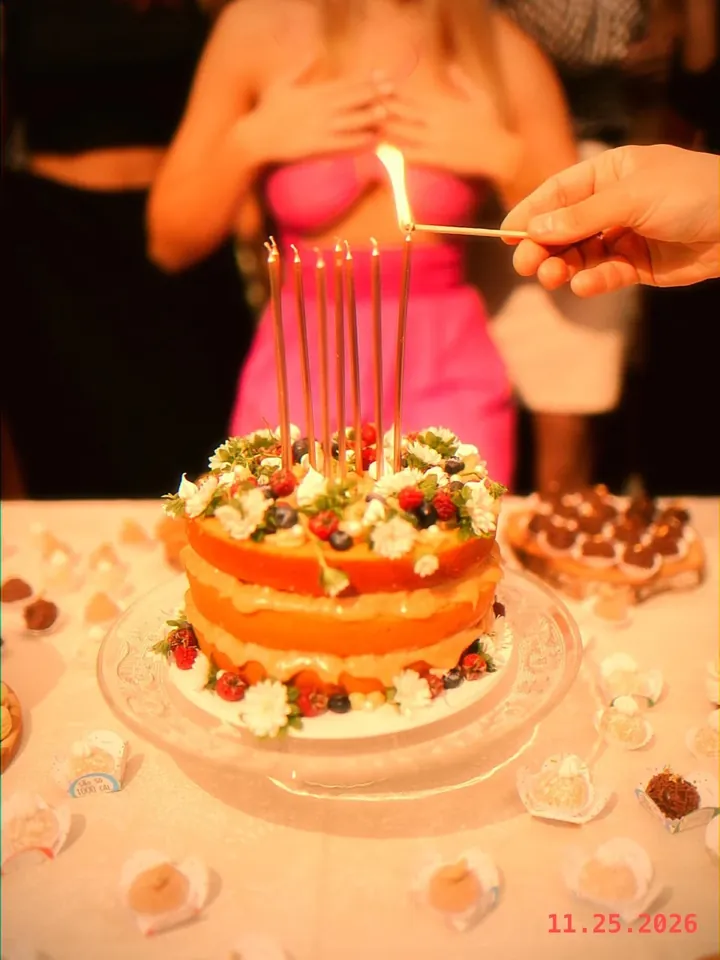
A stock photo, and the same photo in the Cybershot '03 camera of Y2KCam, which prints its own stamp.
When you want the date on every photo
This page is for single photos. If you like the date on everything, shoot with a camera that prints it. In Y2KCam the stamp is on by default, each camera has its own style, and it uses the moment you press the shutter. The guide to date stamps on iPhone lists the other ways.
A stamp is not proof
You can type any date here, and so can everybody else. For insurance, work or legal photos, keep the original file with its metadata and use an app made for that purpose.