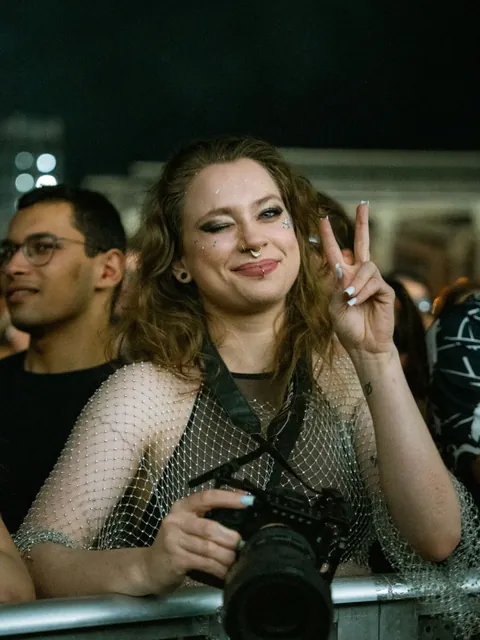
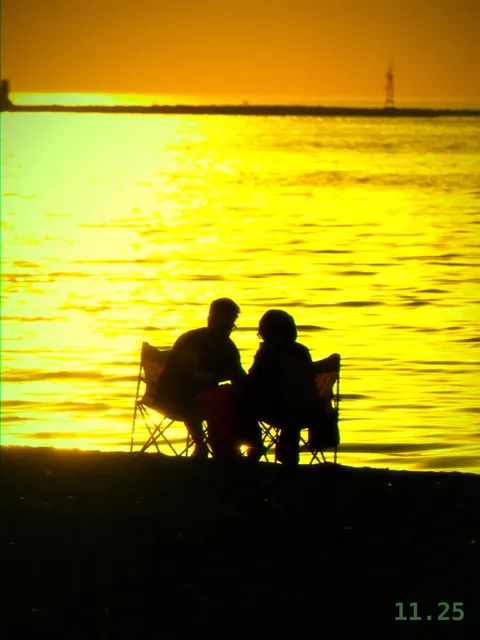
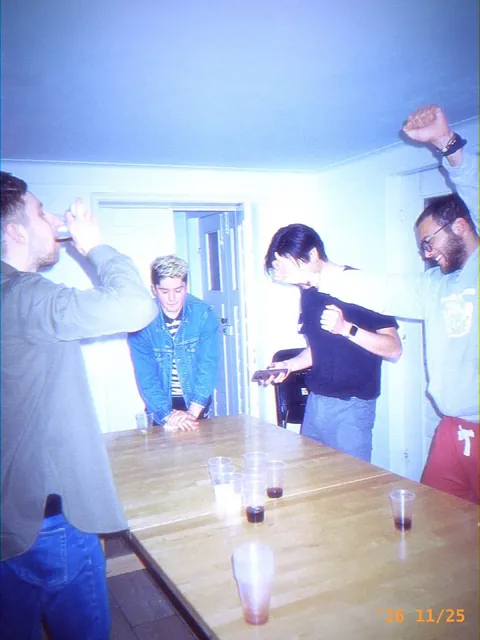
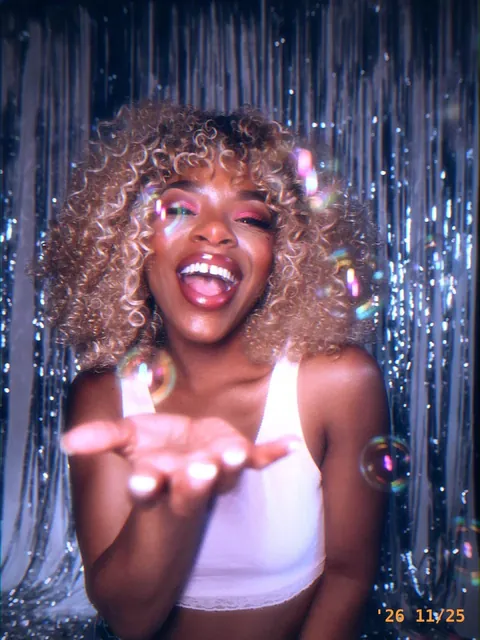
 Y2KCam


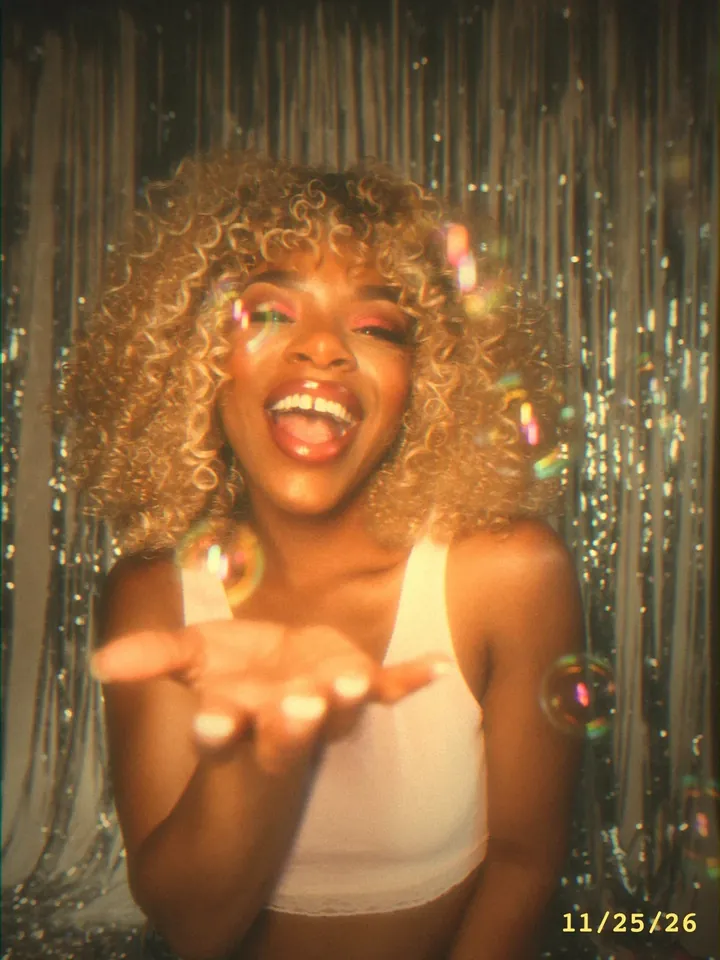
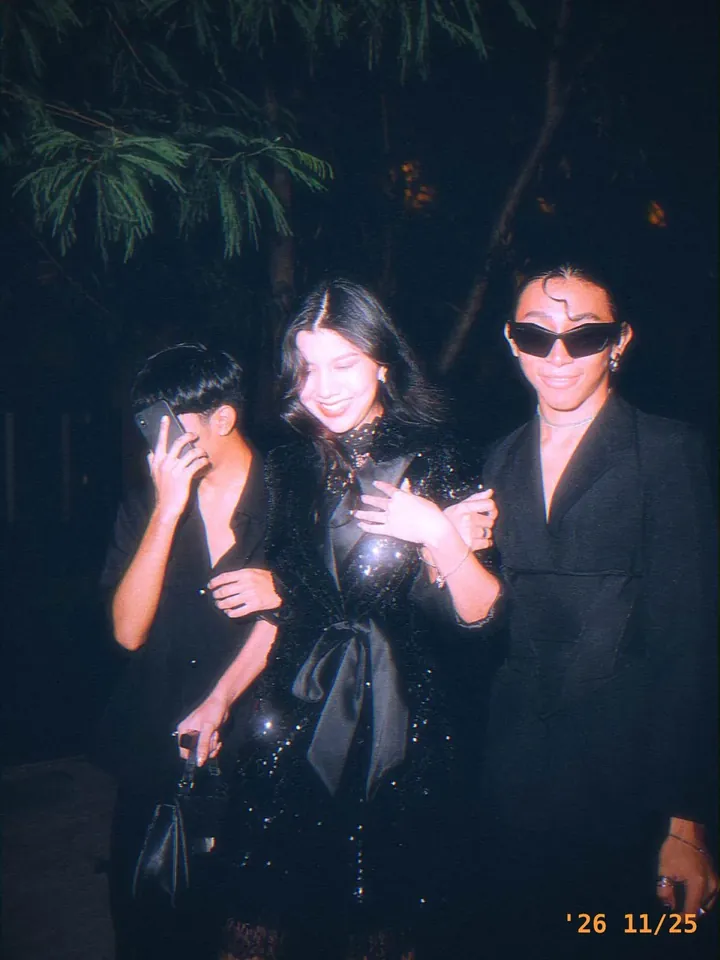
Look for a live preview of the look, an import for photos you already have, control over the date stamp, video, and a price you can find before you install. Grain and colour matter too, and the store pictures only show them at their kindest. Below is the checklist with the reason for each point, then a lookbook, so you know which decade you are shopping for.
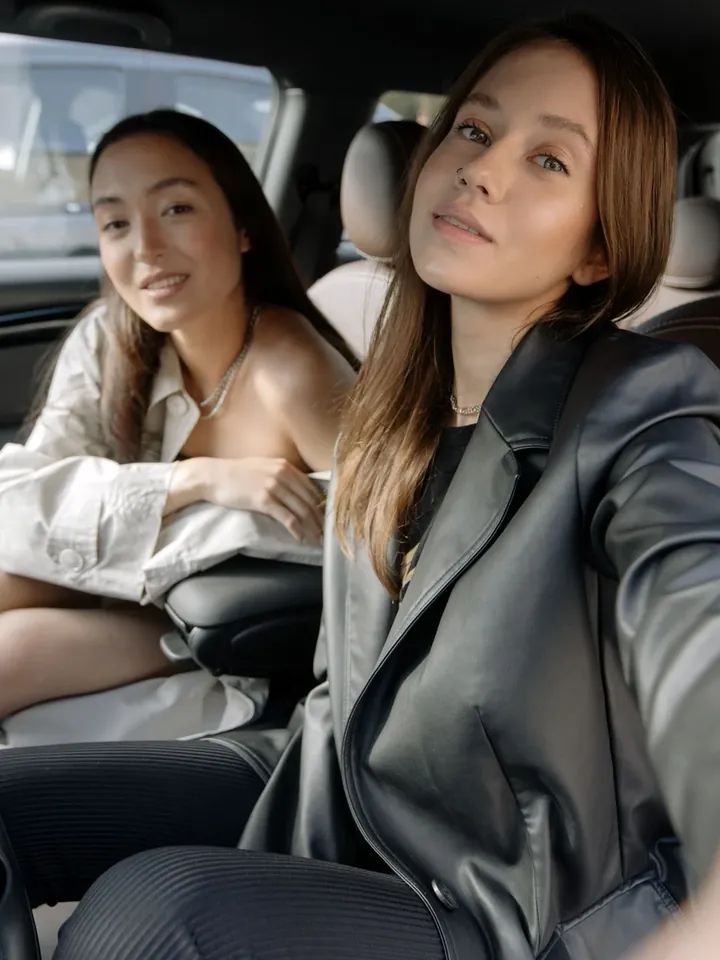 Original photo
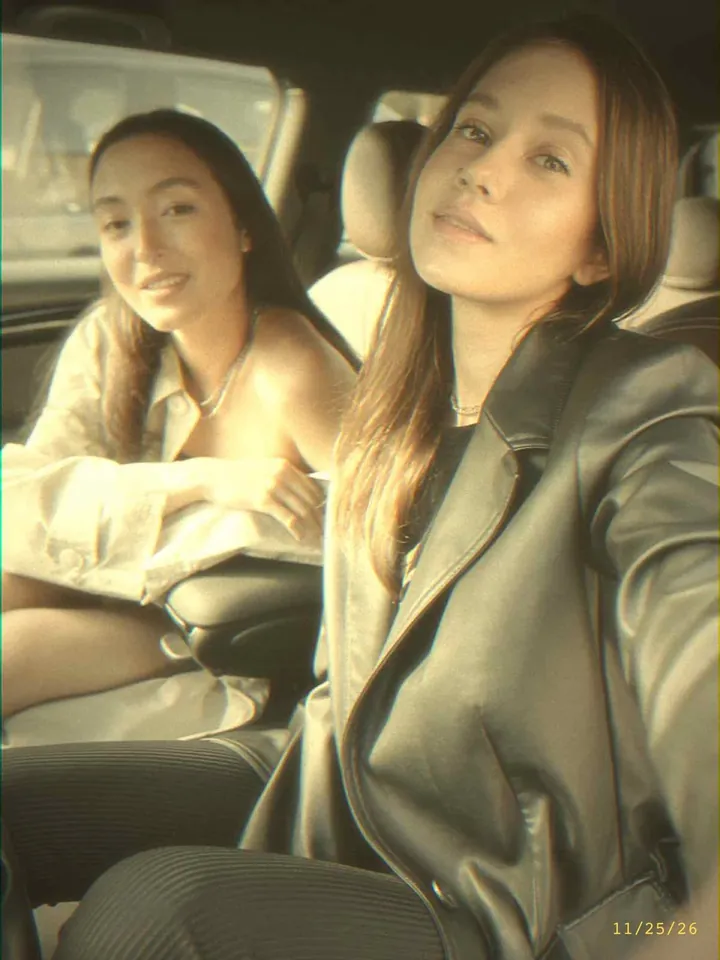 Flip Phone '06
The same stock photo before and after Flip Phone '06. Vintage can also mean the worst phone in your school. The date is the day it was processed.
The checklist
Does the viewfinder show the look?
With a live viewfinder you see that the sky is about to burn out while you can still turn around. Without one you shoot blind and fix it later. In Y2KCam the look is live for all 17 cameras, except the JPEG crunch, which appears in the saved photo.
Can it use photos from your library?
Useful for the trip you already came home from. Y2KCam has an import: pick a photo, pick a camera, apply. The date stamp comes along, see the next point. Dazz Cam's App Store page says it imports on select cameras, so check that the look you want is included in whichever app you choose.
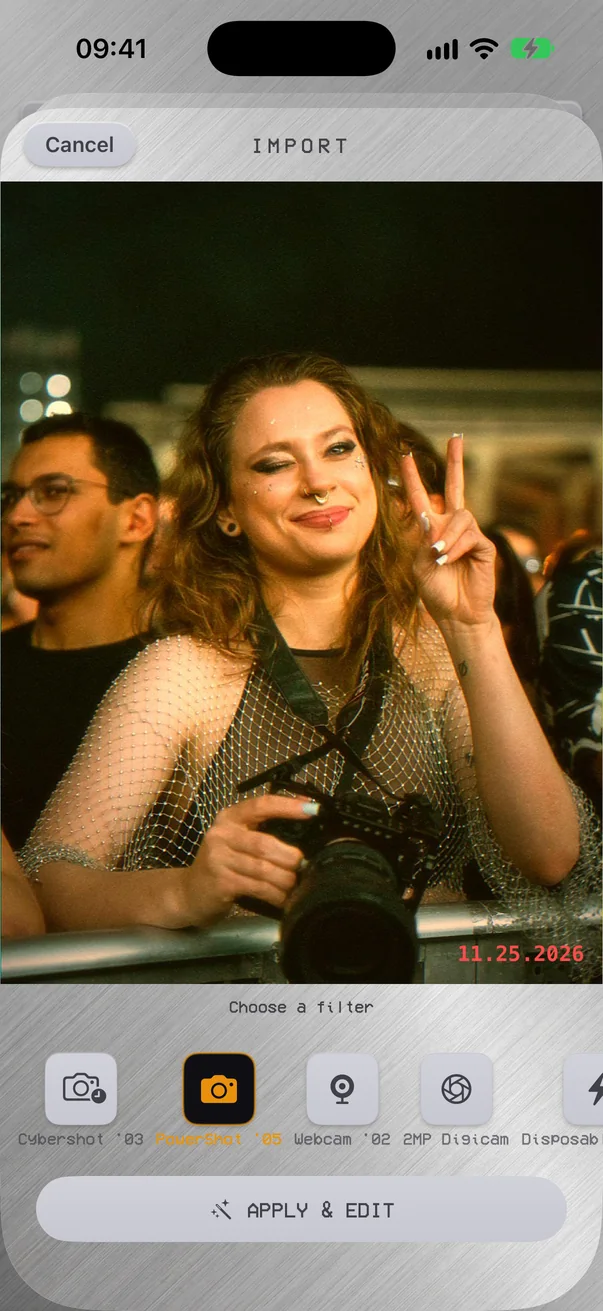
Choosing a camera for a photo from the library in Y2KCam.
What does the date stamp do?
Ask whether you can turn it off, move it and change the day. In Y2KCam it is on by default, sits in any of four corners, can be switched off for new photos, and always shows today. An imported photo always gets the stamp with the day of the import, bottom right, whatever the settings say. If you want the real day on an old picture, use the free date tool on the untouched file instead.
Is there video?
If you want clips to match the photos, check that the look works while recording. Y2KCam records video with the look of the selected camera, and with the stamp if Show Date Stamp is on. Light leaks and glitch effects are for photos only.
Where does the grain come from?
Real film grain is the texture of silver particles or dye clouds in the developed picture. An app can add a similar texture, or it can hand the photo to a generative model that redraws it, faces included. If the description says AI, zoom in on the eyes in the sample pictures. Y2KCam adds its grain with ordinary image processing and uses no AI.
How big is the saved photo?
Look for a number in the description or ask support. Y2KCam saves up to 1920 pixels on the long side, which is enough for a phone screen or a small print and too little for a poster.
Can you zoom?
Y2KCam has no zoom, so you walk. It does have flash, a timer, a grid and the front camera.
What does it cost, and is there a watermark?
Scroll to In-App Purchases at the bottom of the App Store page, where the prices are. A free version can come with a watermark, ads or a few cameras only. Y2KCam needs Pro after one free photo in setup. In the US App Store it was $4.99 a week or $19.99 a year on 25 November 2026, with a free trial if you are eligible. Pro photos and videos have no watermark. Collages have one of their own, on by default, which you switch off in the collage editor before you export.
Which phones does it run on?
Y2KCam is for iPhone only, with iOS 18.6 or later.
Lookbook: which decade do you want?
All of these are stock photos run through the app. The years in the names are the app's own labels for what inspired a look. The names of real cameras belong to their makers, who have no connection to Y2KCam.
Toy cameras and instant film
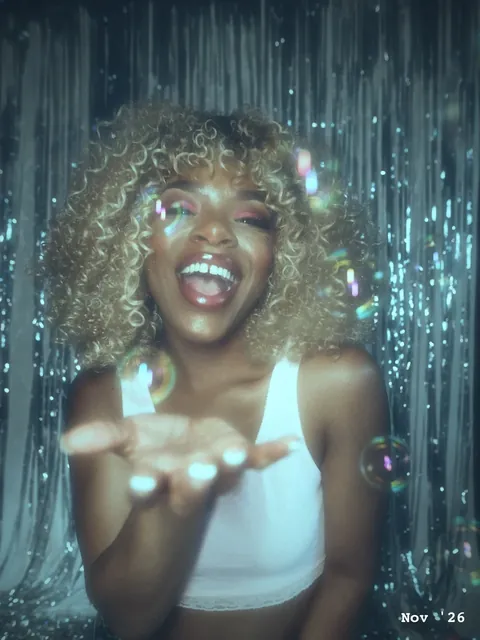 Diana Mini
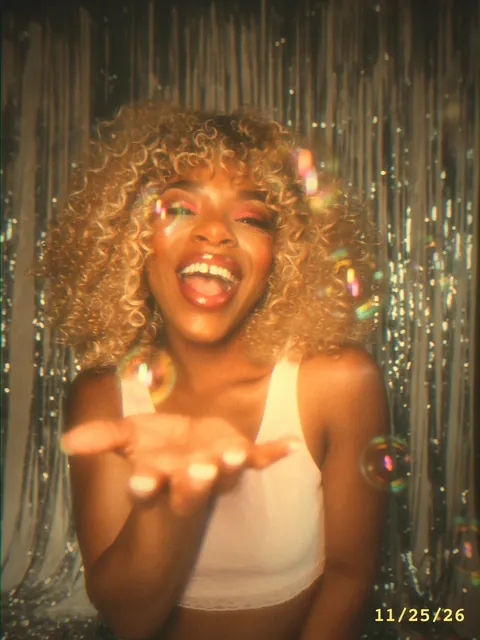 Holga '81
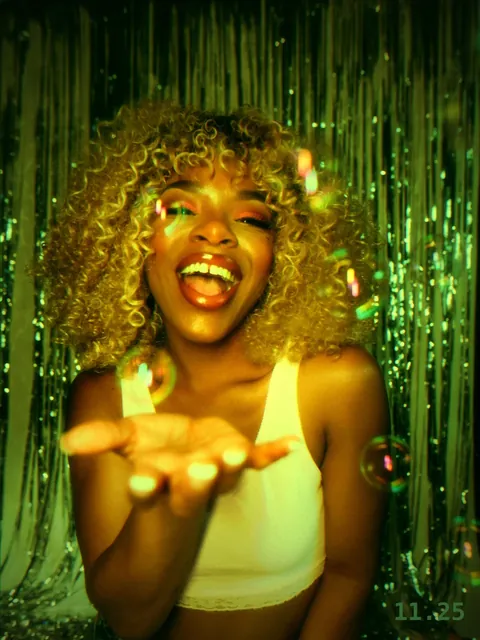 Lomo LC-A
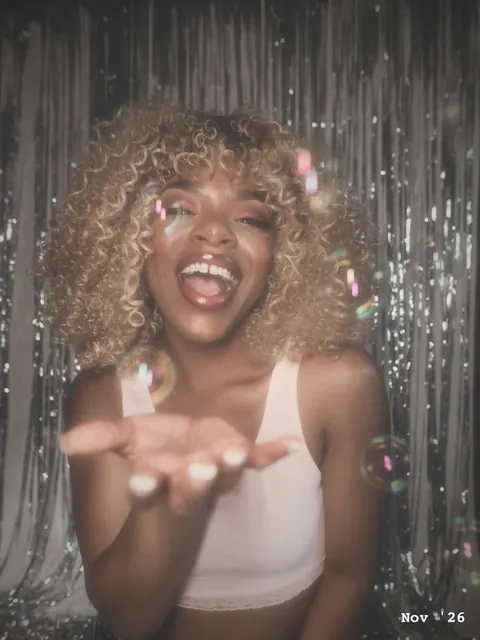 Polaroid
Diana Mini turns teal and dreamy, Holga '81 warm with dark corners, Lomo LC-A saturated and green, Polaroid pale and soft.
Plastic lenses, strange colour, shadows around the frame. The Diana dates back to the early 1960s and the LC-A to 1984. Good when the photo has one clear subject in the middle.
The nineties at a party
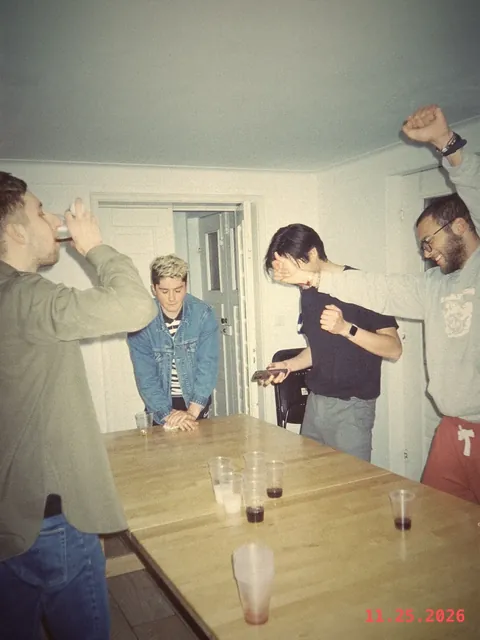 APS Film '96
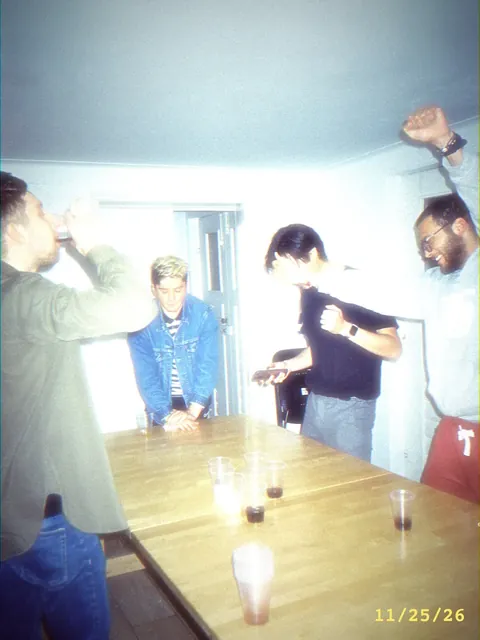 Disposable Flash
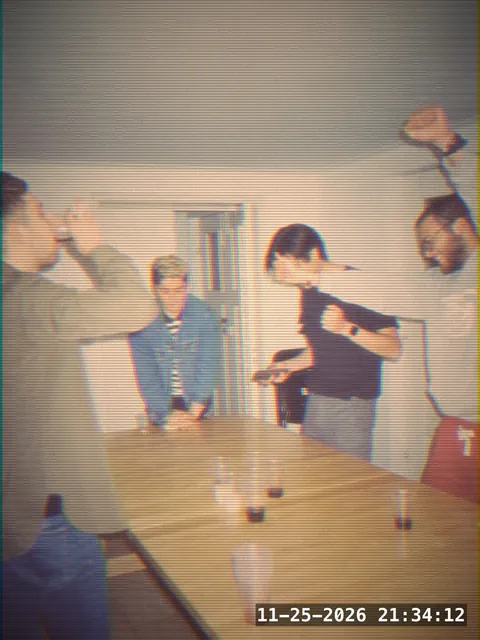 VHS Cam
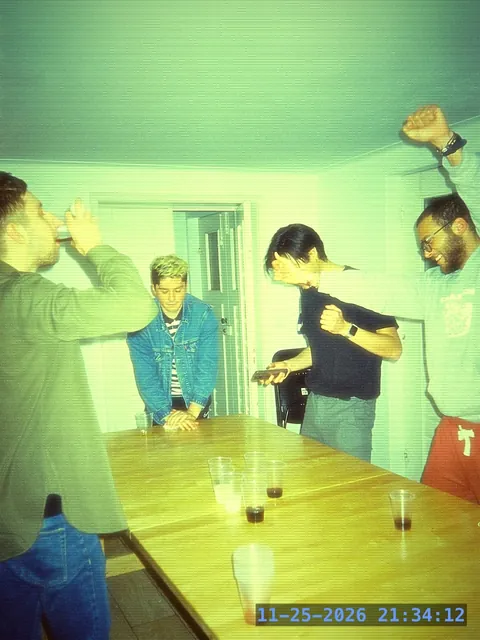 Handycam DV
APS Film '96 is muted, Disposable Flash burns the wall, VHS Cam goes brown with scan lines, Handycam DV turns green and yellow.
The first two look like prints from an envelope, the other two like a paused tape. Both tape cameras print the time down to the second. Try them in a room with bad lamps.
Digicams and a webcam, 2002 to 2005
 Cybershot '03
 PowerShot '05
 2MP Digicam
 Webcam '02
Cybershot '03 blue, PowerShot '05 warm, 2MP Digicam dark and sharp, Webcam '02 pale and cyan.
Use the flash and leave the background alone. The page on the digital camera filter takes this look apart.
Phones and odd machines
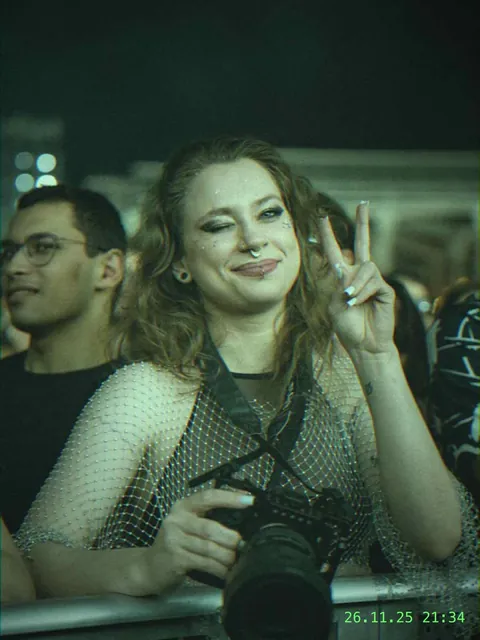 VGA Phone '04
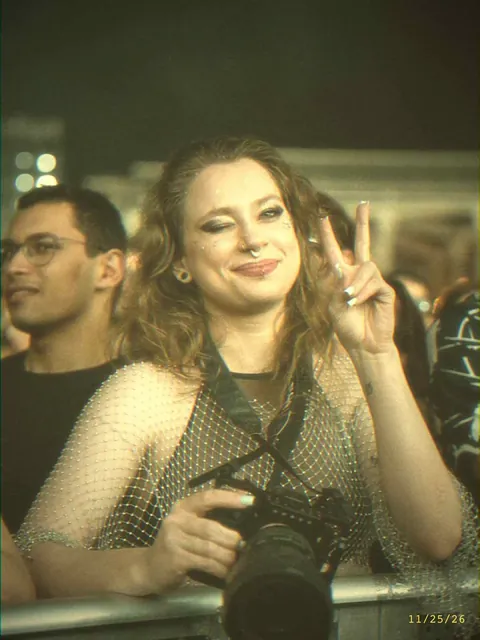 Flip Phone '06
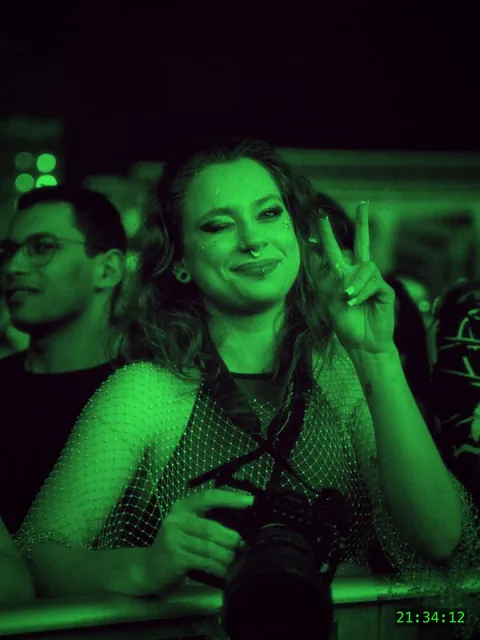 Night Vision
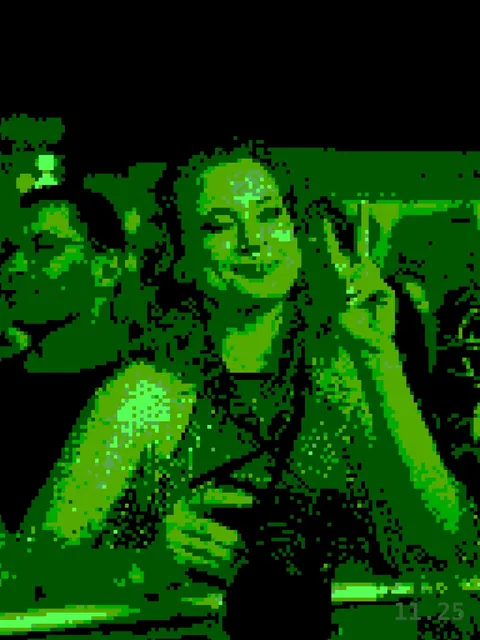 Gameboy '98
VGA Phone '04 is green, Flip Phone '06 yellow, Night Vision all green and black, Gameboy '98 a few shades and big pixels.
These lose the most detail, so fill the frame with a face. The camera page shows all 17 on one photo.
Before you pay for any of them
- Use the trial on a bad photo, for example your kitchen at night. Any app can make a sunset look good.
- Save one picture and zoom in, then look at its size in the Photos app by swiping up.
- Note the day the trial ends. Apple lists your subscriptions in Settings, under your name.