 Y2KCam


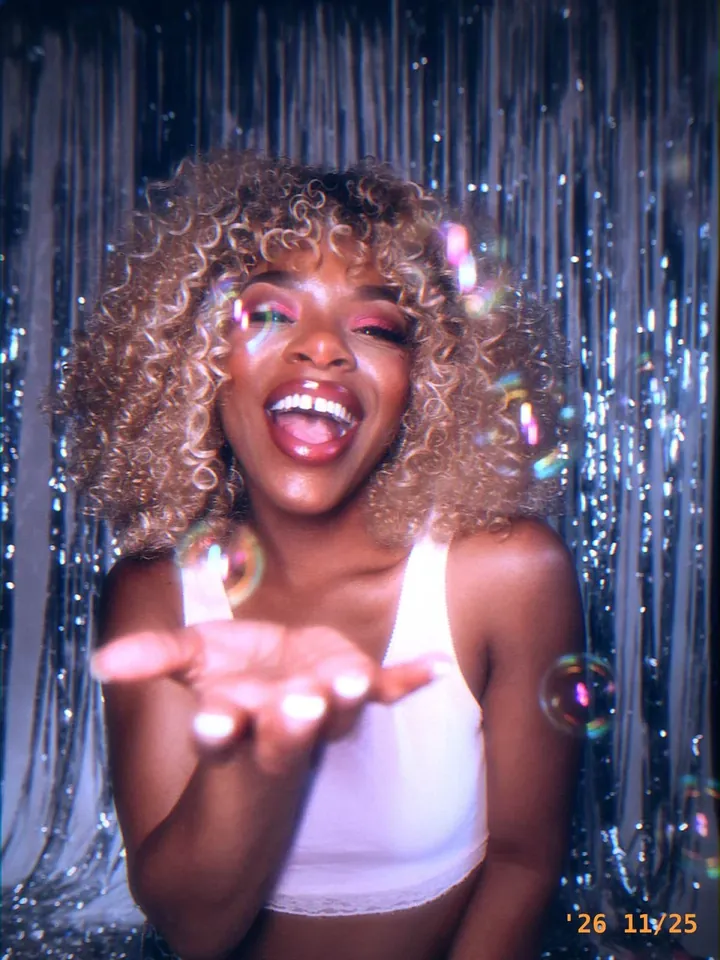
For a Y2K photo, start with four things: direct flash, a camera close to the face and a little above it, one shiny or plastic object, and a background nobody tidied. The clothes help, but the light and the framing do more. Below are 20 ideas with a place, a pose and a matching old camera.
 Original photo
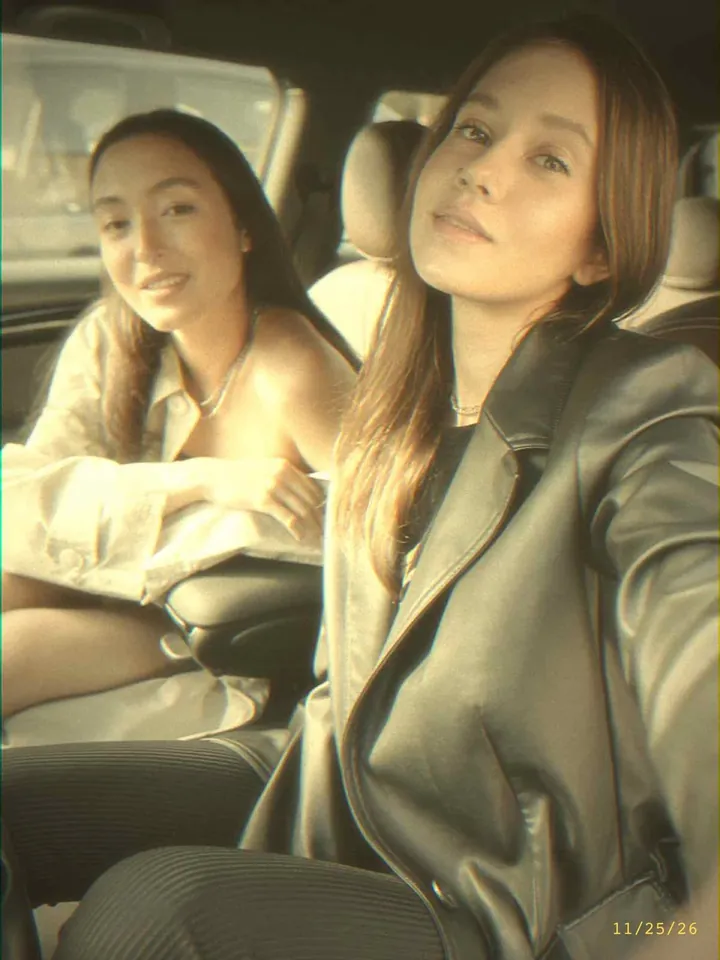 Flip Phone '06
A stock photo, and the same photo in Flip Phone '06. Nothing else changed.
What Y2K photos are
Y2K is short for the year 2000, and the name comes from the computer bug. The word first described a look of shiny futures. The Consumer Aesthetics Research Institute sums it up as "tight leather pants, silver eyeshadow, shiny clothing, oakleys, gradients, and blobby electronics" and places it in the 1990s. Wikipedia puts it in the late 1990s and early 2000s and adds that since the 2020s the word covers 2000s fashion in general, with digital cameras as part of it. Y2K photos belong to that second meaning. A reporter told NPR in 2024 that people miss the time "when everyone would bring their digital cameras to the club".
How photos were framed back then
- From above, at arm's length. MySpace angles got their name from the site launched in 2003: the camera goes high over your head and you look up. You cannot see the screen, so half the frame is ceiling or floor.
- Into a mirror, with flash. The typical MySpace picture has been described as "an amateurish, flash-blinded self-portrait, often taken in front of a bathroom mirror". Keep the white flare and move it off your face.
- Straight on and too close. Compact cameras lit whatever stood in front of them, so people crowded in. One to two metres, flash on, heads cut off at the top.
- Small and soft. A camera phone of 2002 took pictures of 640 by 480 pixels. Shoot simple shapes, because fine detail will not survive.
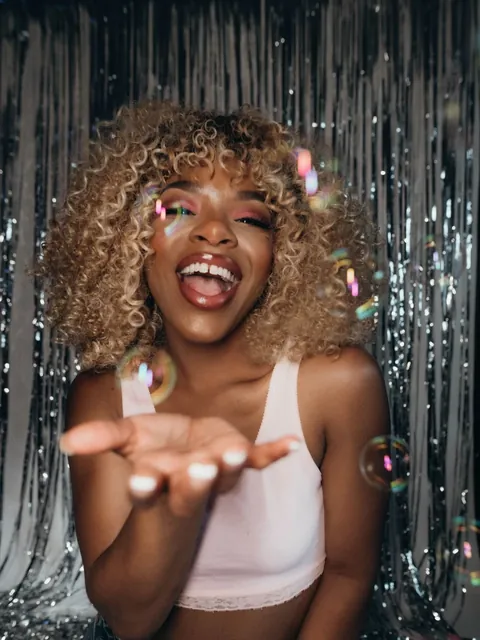 Original photo
 Cybershot '03
 Webcam '02
 VGA Phone '04
One stock photo, three kinds of 2000s: Cybershot '03 is cool and hard, Webcam '02 is washed out, VGA Phone '04 is green and noisy.
At home
- Bedroom webcam. Sit at a desk, screen light on your face, chin on your hand, posters behind. Webcam '02.
- Bathroom mirror. Flash on, phone beside the cheek, one friend leaning in from the edge. Cybershot '03.
- Floor circle. Four heads together on a carpet, phone straight above. 2MP Digicam.
- On the phone. Lie across the bed with a corded or flip phone, feet against the wall. Flip Phone '06.
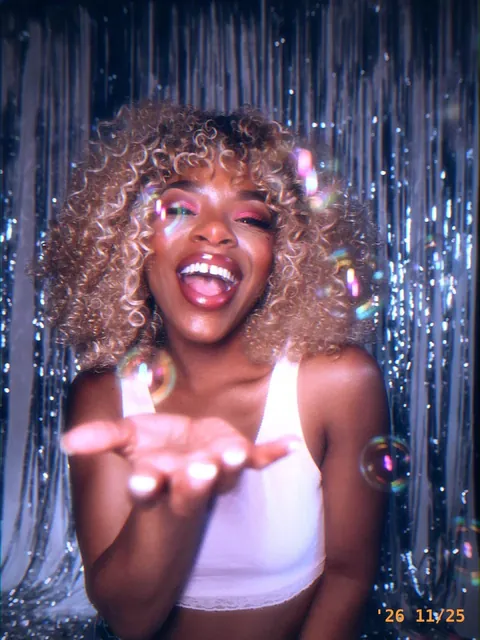
- Tinsel curtain. Hang a foil curtain, step half a metre in front of it and laugh at something. Cybershot '03.
- The pet, taken seriously. Formal portrait on a made bed. Polaroid, or Gameboy '98 if the cat is mostly two colours.
 Original photo
 Polaroid
 Gameboy '98
A black and white cat suits a camera with a handful of greens.
In the car
- Front seats, parked. Driver leans forward, passenger stretches an arm out to shoot both. Daylight through the windscreen, no flash. Flip Phone '06.
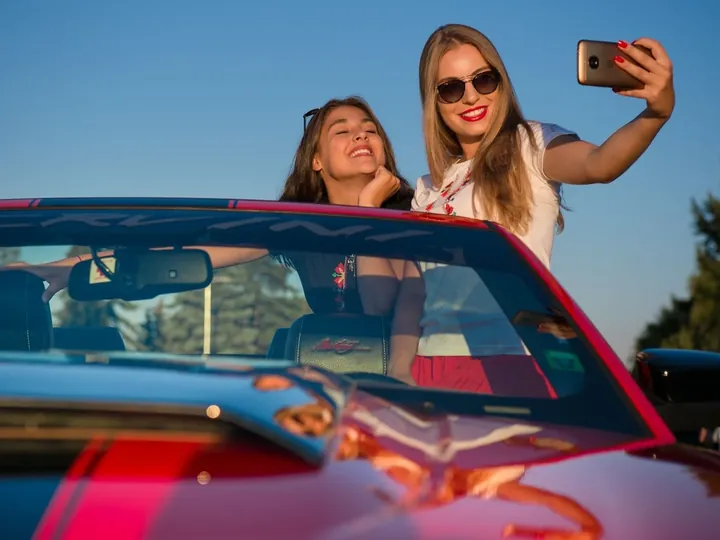
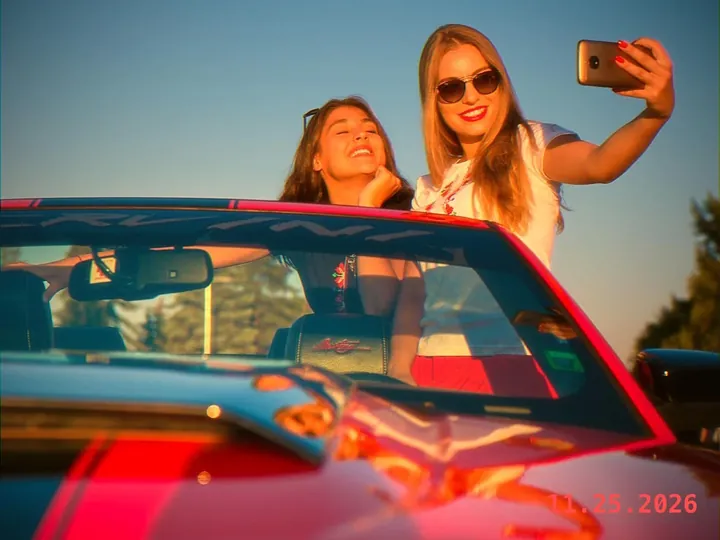
- Roof down. Stand up in a parked convertible, sunglasses on, low sun from the side. PowerShot '05.
- Petrol station at night. Stand by the shop door under the white lights, receipt in hand, look bored. Security Cam.
 Original photo
 PowerShot '05
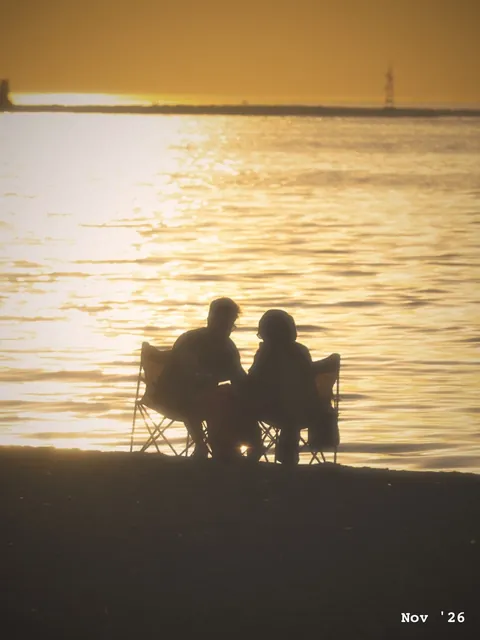
Low sun and red paint: a stock photo, then PowerShot '05, which pushes warm colours forward.
Diner, mall and street
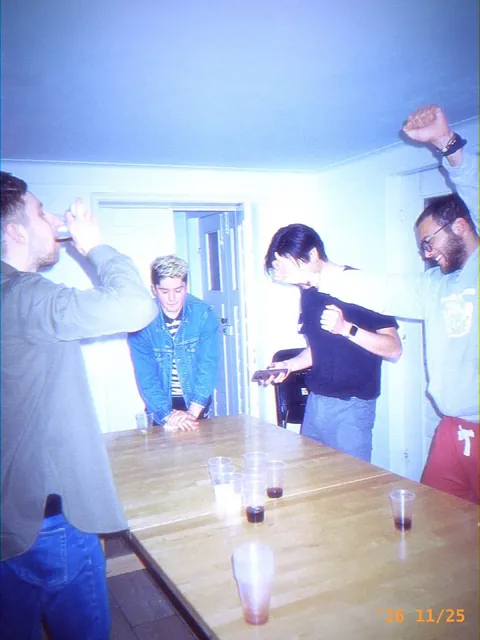
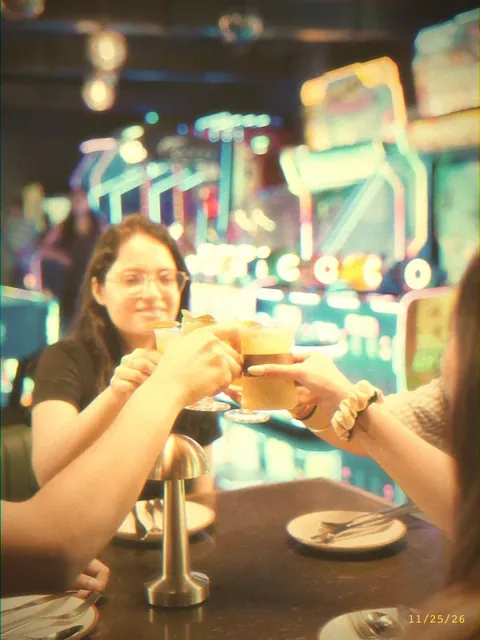
- Diner booth. Cups in the middle, arms crossing the frame, neon behind. Cybershot '03 keeps it blue, Flip Phone '06 turns it yellow.
- Mall escalator. Photographer three steps below, shopping bags in front. VGA Phone '04.
- Photo booth without the booth. Four frames, same wall, flash on, then a collage.
- Vending machine. Face lit by the glass from the side, flash off. Disposable Flash for the contrast.
- Neon street. Back to the signs, one hand pulling the photographer along. Handycam DV or VHS Cam.
 Original photo
 Cybershot '03
 Flip Phone '06
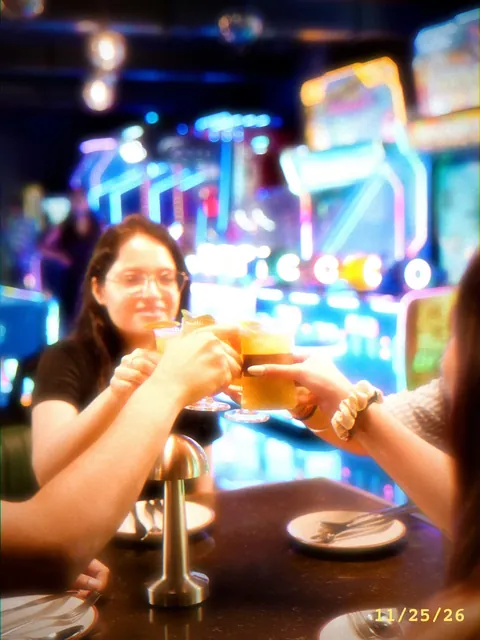 Disposable Flash
The same booth and drinks, four ways. Only the camera changes.
Disco and house party
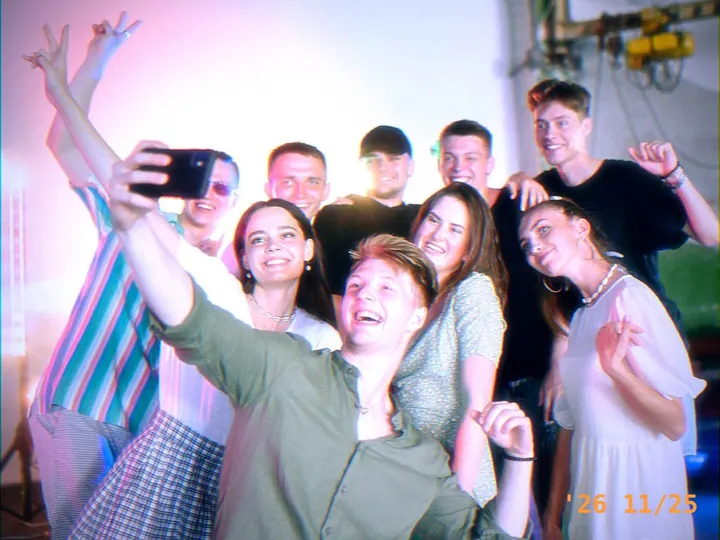
- Arm-out group selfie. Tallest person holds the phone, everyone ducks in. Disposable Flash.
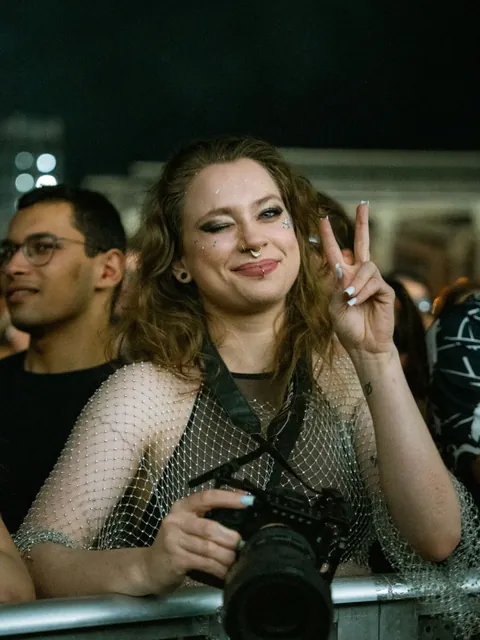
- Peace sign at the barrier. Stage behind you, flash on. PowerShot '05.
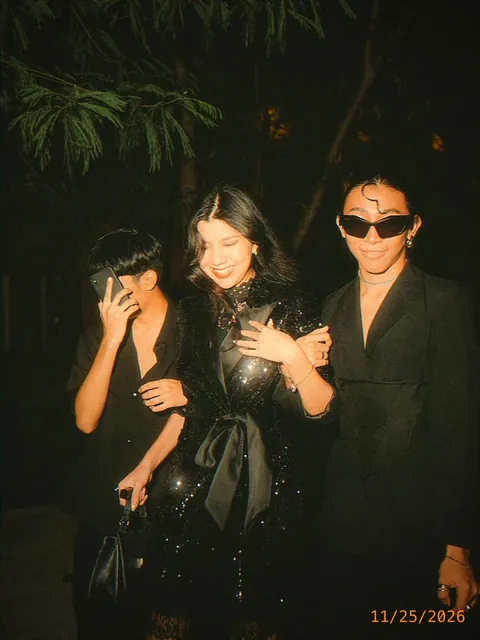
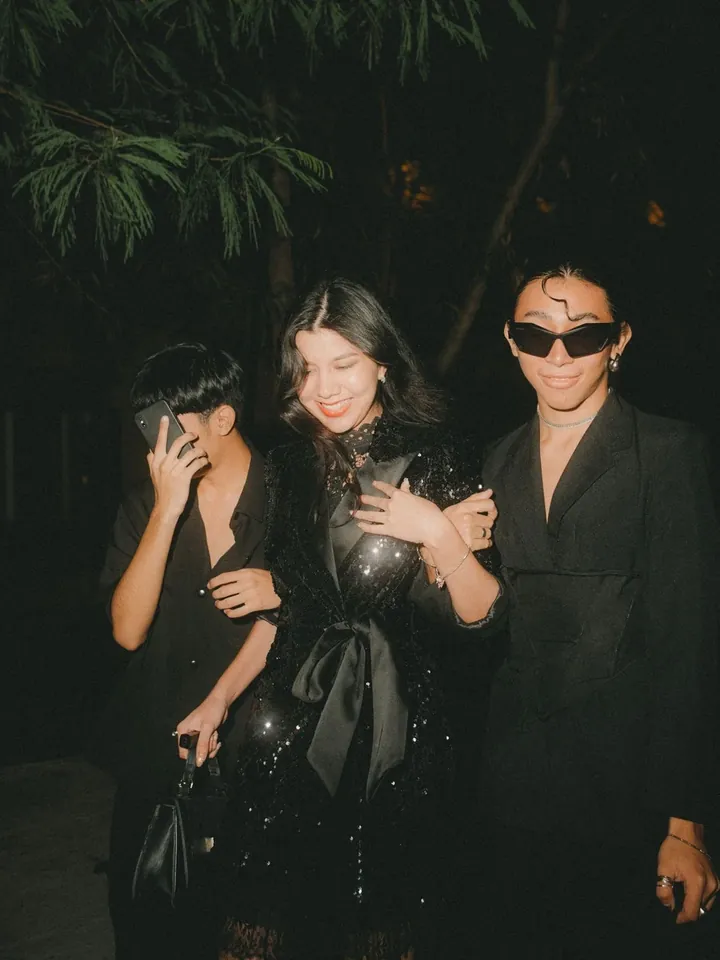
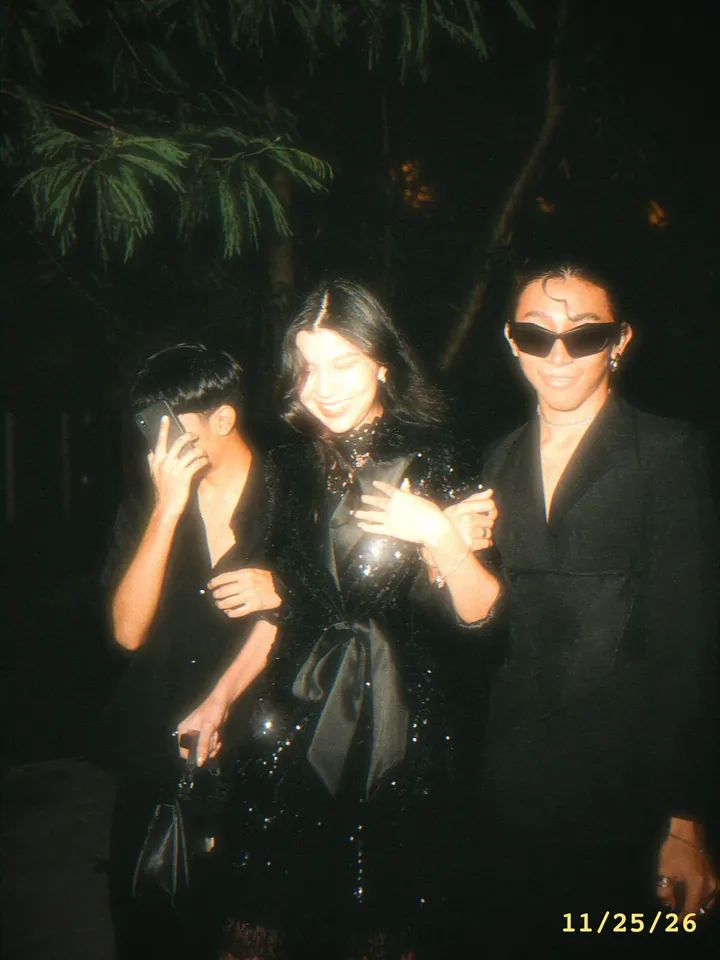
- Sunglasses at night. Three friends, black clothes, garden or car park, hard flash. Disposable Flash.
- Wired headphones, one each. Share a pair against a wall, look away from each other. 2MP Digicam.
- Across the dance floor. Film ten seconds and keep it blurry. Handycam DV records video with its look.
- Last one standing. Friend asleep on the sofa at eleven, flash on. Show them before you post. VHS Cam.
 Original photo
 Disposable Flash
Flash, black clothes, dark garden. The stock photo, then Disposable Flash.
 Cybershot '03
Nine people, one arm. A stock photo in Cybershot '03.
Outfits and props that read as 2000
| Wear | Hold or place in the frame |
|---|---|
| Metallic or patent fabric, because it throws the flash back | Flip phone, chunky camera, wired headphones |
| Tracksuit, platform shoes | Inflatable chair, bean bag, butterfly chair |
| Wraparound or tinted sunglasses | Lava lamp, beaded curtain, piles of cushions |
| Butterfly clips, lip gloss, glitter | CDs, magazines, a landline with a cord |
The fabrics, shoes and furniture are on Wikipedia's list of Y2K design, linked above. Choose one or two. A frame with all of them looks like a costume shop.
Make the photo look Y2K
- Set the flash to On. On an iPhone tap the Flash control above the frame until it says On. In detail: digicam flash on iPhone.
- Get close and keep the background dark. The fall into black is half of the look.
- Edit down. Less sharpness, more contrast, highlights up until skin glows, colour a little blue or a little yellow.
- Crop nothing. Crooked and crowded is correct.
- Add a date if you like one. The free date tool prints any day in orange.
Y2KCam does steps three and five while you shoot: the viewfinder shows the look and the corner shows today's date. In the US App Store it was $4.99 a week or $19.99 a year on 25 November 2026, with a free trial if you are eligible.