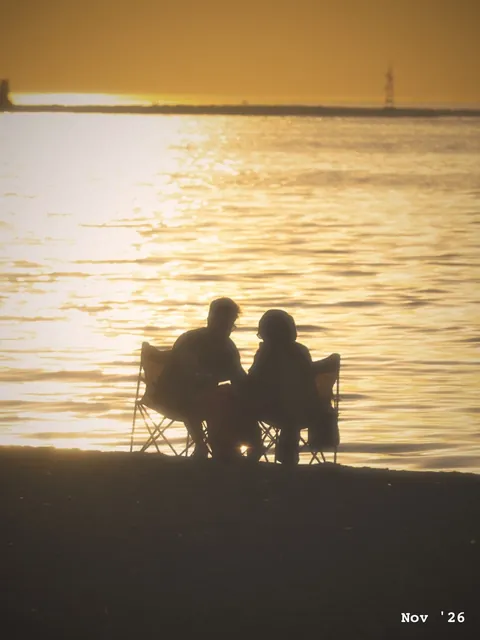
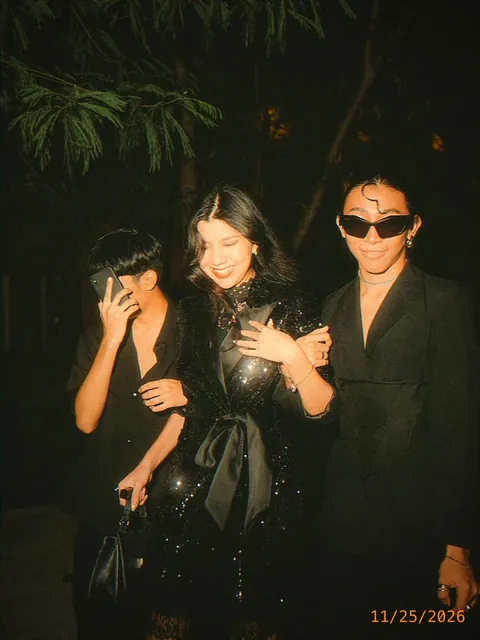
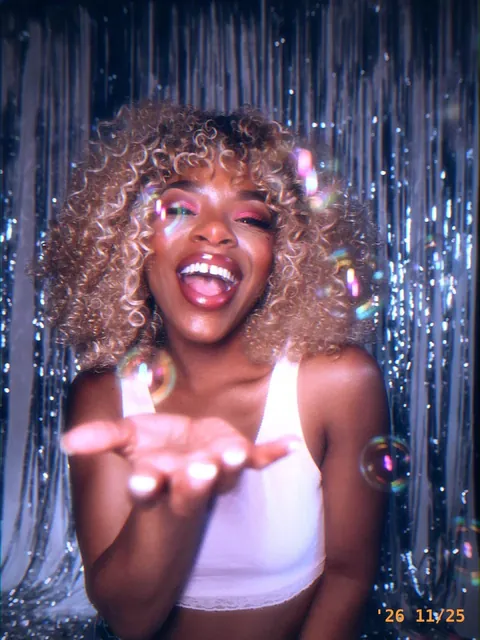
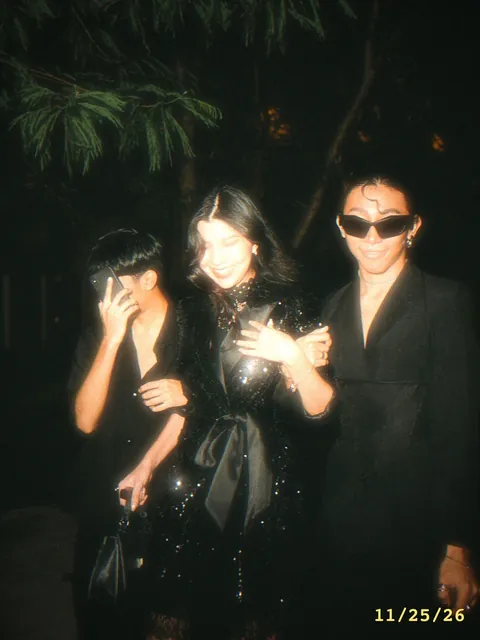
 Y2KCam


Plan six or seven photos, because nobody follows a list of forty at a party. Take the group ones before eleven, while people still match their outfits. For midnight, decide between flash for faces and no flash for sparklers and fireworks, since one setting cannot do both.
 Original photo
 Disposable Flash
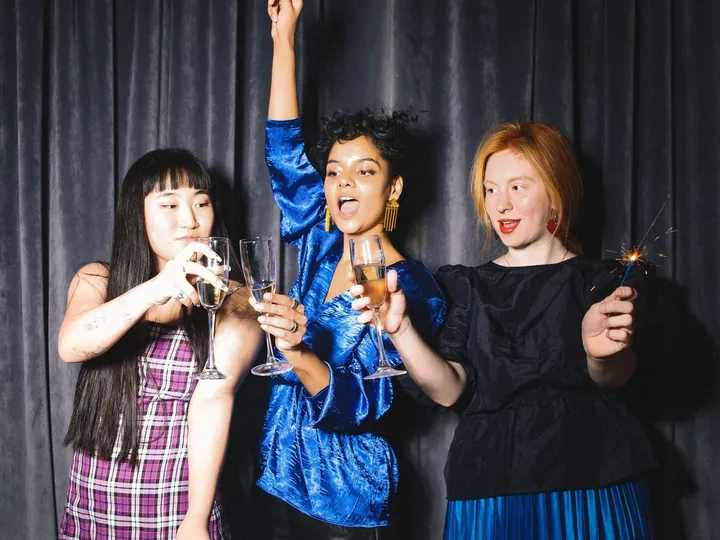
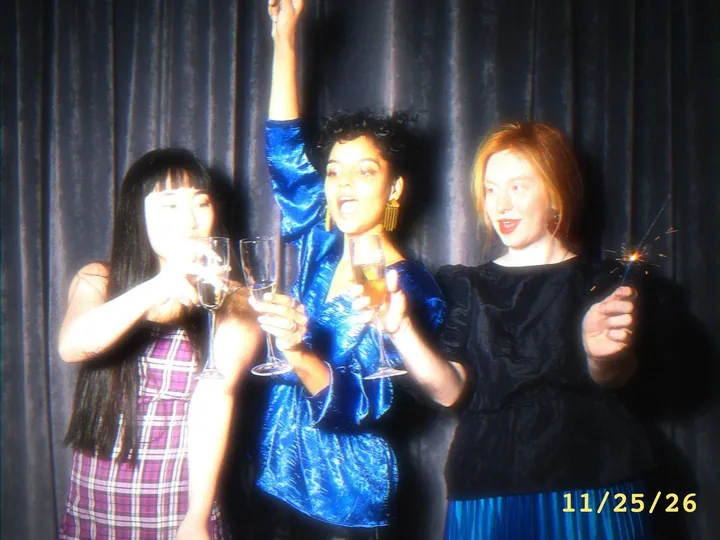
Three friends, their drinks and a sparkler in front of a dark curtain. The original stock photo, then the Disposable Flash camera of Y2KCam. Give your own sparkler more room than they did.
Settings to learn before the party
All of this is in the iPhone's own Camera and Photos apps. Apple's iOS 27 guide keeps flash, timer and exposure on one page.
| Subject | Set this |
|---|---|
| Friends in a dark room | Tap Flash until it says On. Stand one to two metres away. |
| Countdown group | Camera tools, Timer, 10. |
| Sparkler in a hand | Flash off, Live Photo on, HDR off if your camera settings have the switch (App Store story by Apple, from the days of iOS 13). |
| Writing with a small torch | Live Photo, phone on something solid. Later open it, tap Live and choose Long Exposure. |
| Fireworks | Flash off. Touch and hold the sky until you see AE/AF Lock, then drag the exposure down. Live Photo on, so you can change the key photo. |
| City after midnight | Night mode, on a tripod or a wall. Max extends the capture time. Live Photo and flash switch Night mode off. |
Before midnight
- One mirror, everyone in it. Flash on, phone at chest height and a little to the side, so the flare covers nobody's face.
- Shoes in a circle. Phone straight above, arm out, flash on.
- The getting-ready table. Lamp light, no flash, phone leaning on a glass. Leave the mess.
- One step each. Friends on the stairs, photographer at the bottom, three metres back, hall light on because the flash will not reach the top.
- Lift selfie. Wide lens, arm as high as it goes, doors closed.
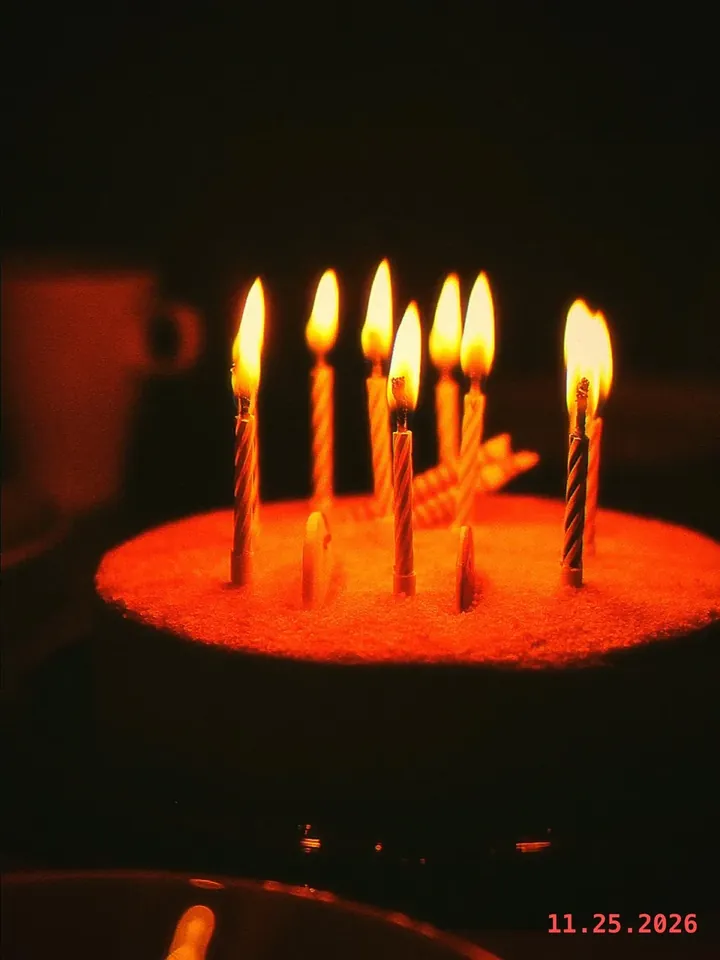
- Cake with candles. Flash off. Tap a flame and drag the exposure down until the room disappears.
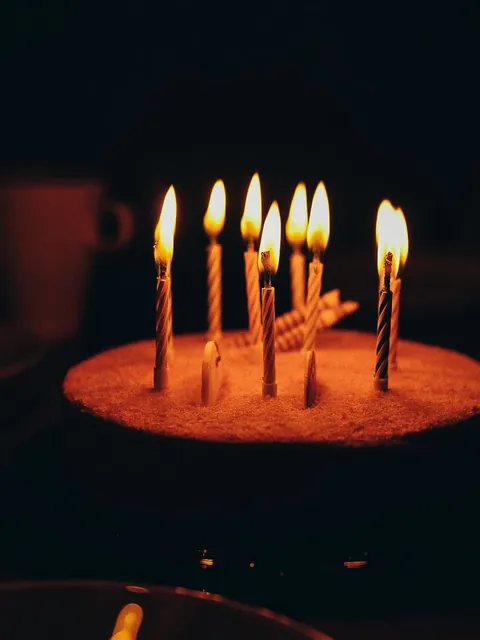 Original photo
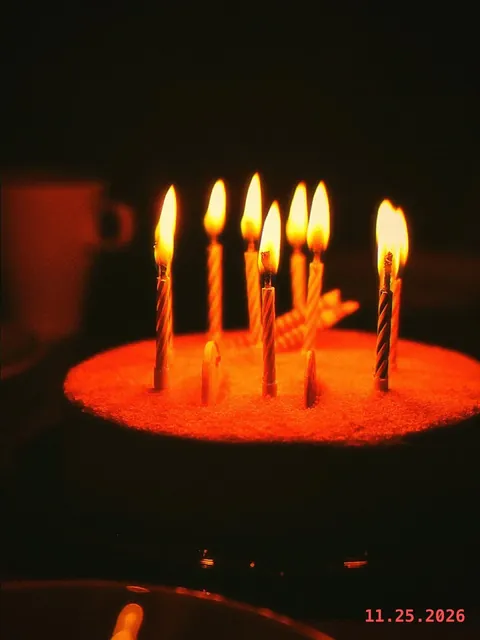 PowerShot '05
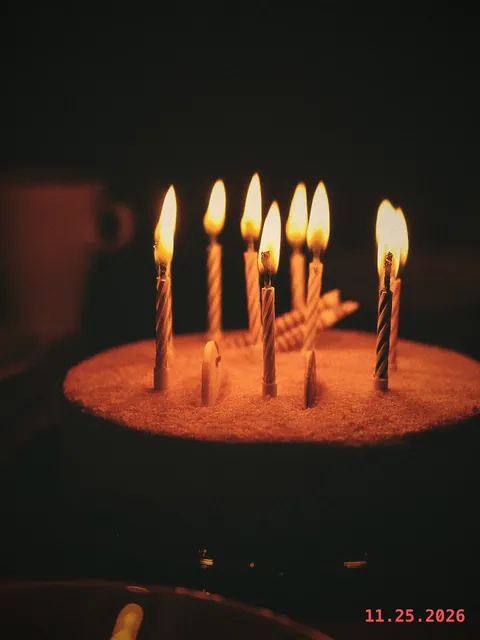 APS Film '96
No flash, exposure on the flames: a stock photo, then PowerShot '05 and APS Film '96.
At midnight
- The countdown timer. Phone on a shelf at eye level, timer on 10, shutter at "ten". It fires at zero.
- Faces from the side. One person steps out of the group and shoots along the row, flash on, at arm's length from the first face.
- Confetti on the way down. Thrower at the edge, flash on, two metres. Shoot a second after the throw.
- Sparkler portrait. One person, one sparkler held out to the side, nobody else within reach of it, no flash. Ask them to look at the camera, because everybody looks at the sparkler.
- 2, 0, 2, 7. Four people, one small torch and one big digit each. Keep the phone steady, shoot a Live Photo and choose Long Exposure in Photos. From the front the digits come out backwards, so flip the photo under Edit, Crop.
- Backs against the fireworks. Friends two or three metres in front of you, exposure locked on the sky, so they turn into outlines.
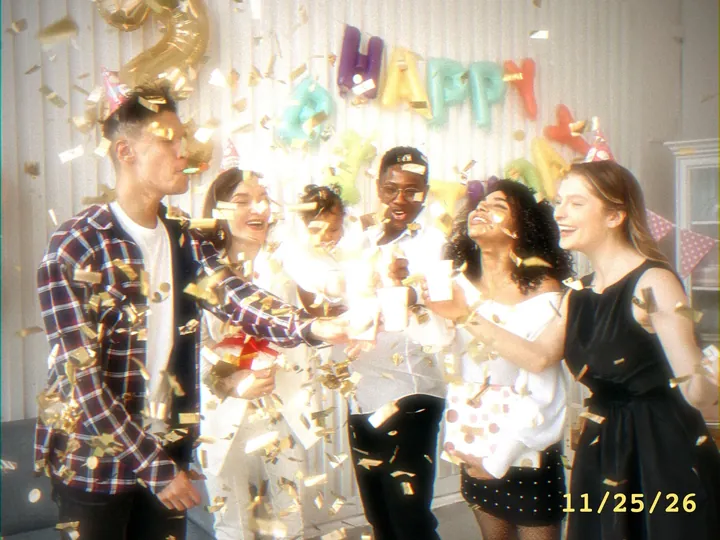 Disposable Flash
Confetti in the Disposable Flash camera. The stock photo is from a birthday, and the physics are the same.
Sparklers without the burn
The US Consumer Product Safety Commission says sparklers burn at about 2,000 degrees Fahrenheit, which is roughly 1,100 °C, and to keep water at hand. The London Fire Brigade adds gloves, arm's length while lighting, one at a time, no waving close to others, and a bucket of cold water for the finished ones. That is why idea 11 uses torches and idea 10 has one person in it. Also check that fireworks are allowed where you are.
After midnight
- The hug heap. Flash on, shoot before they notice.
- Lit by phones. One friend in front, the others hold their torches behind or beside. No flash from you.
- Dance floor from above. Arm straight up, wide lens, flash on, three tries.
- Club selfie. Hold the phone low and tilt up, so the lights fill the background.
- Kitchen at two. Whoever is at the fridge, flash on, one and a half metres.
- The wall. A curtain or a plain wall, friends one after another on the same spot, flash on. Put them in a grid and you have a photo booth.
- The coat pile. With or without the person asleep in it, if they would say yes.
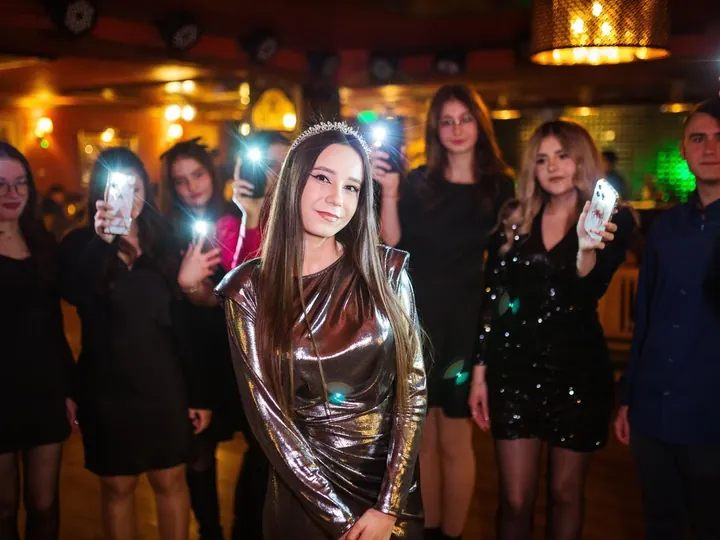 Original photo
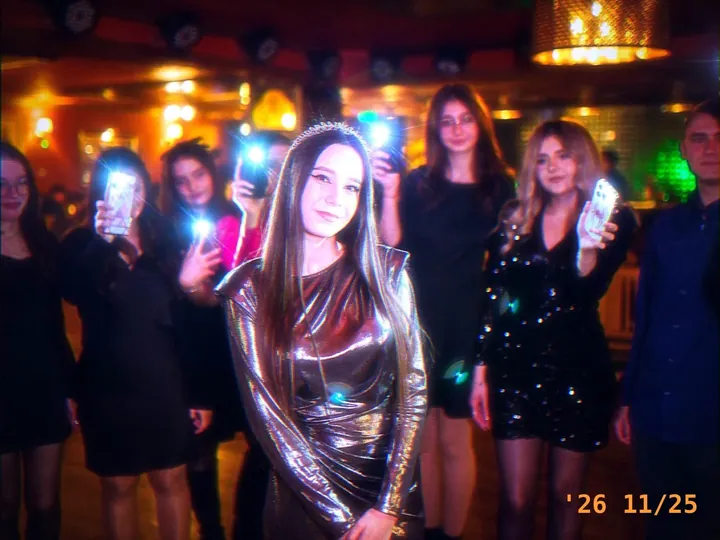 Cybershot '03
Phone torches do the lighting here. The stock photo, then Cybershot '03.
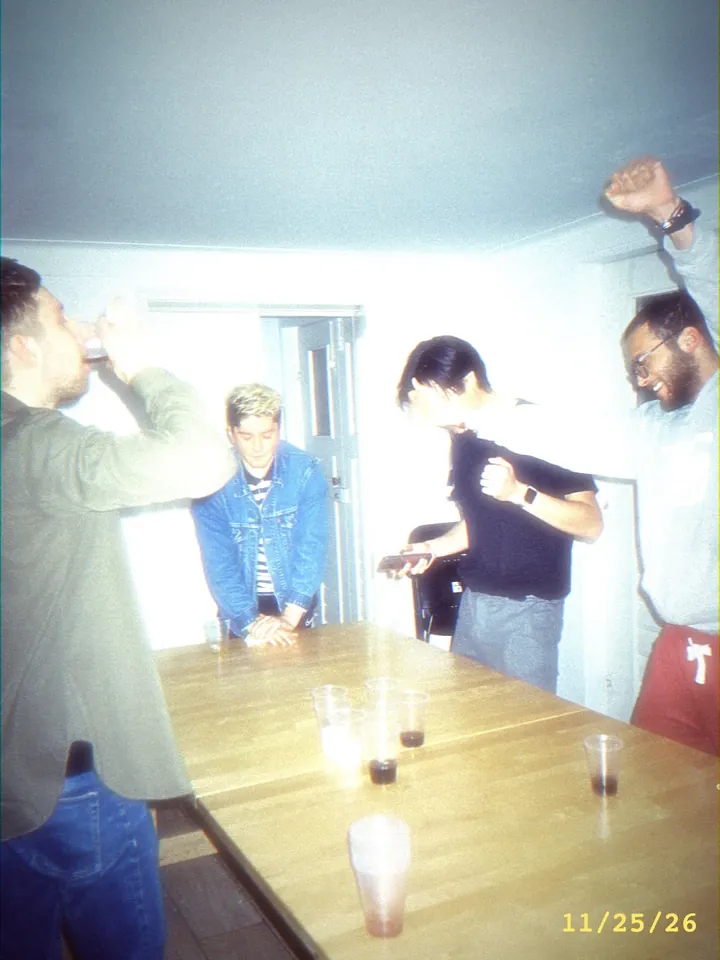 Disposable Flash
A stock photo in Disposable Flash: white door, hard light, nobody ready.
The morning of 1 January
- What is left of the table. Window light, no flash, from the end of the table.
- Shoes by the door. Count them.
- Blankets and coffee. Window behind you, everyone on one sofa, timer on 10.
- First walk. Friends ahead of you on an empty street, from behind.
- Same pose, same place. Repeat one photo from last night in daylight and post the two together.
Shot list to copy
Paste it into the group chat and put a name next to each line.
- Before: mirror, shoes in a circle, stairs, cake
- Midnight: 10 second timer, confetti, sparkler portrait, 2 0 2 7 with torches, fireworks from behind
- After: hug heap, phone torches, kitchen, the wall
- Morning: table, shoes, blankets, same pose as last night
If you want the date in the corner
Y2KCam prints the day you press the shutter. With the stamp on, Disposable Flash, Cybershot '03 and PowerShot '05 show the year, so a photo at 23:59 and one two minutes later carry different ones. Night Vision prints only the time, and Gameboy '98 and Lomo LC-A only month and day. The app has flash and a timer of 3 or 10 seconds. For a photo you already have, the date tool does it in the browser, and captions for the carousel are ready to copy.