 Y2KCam


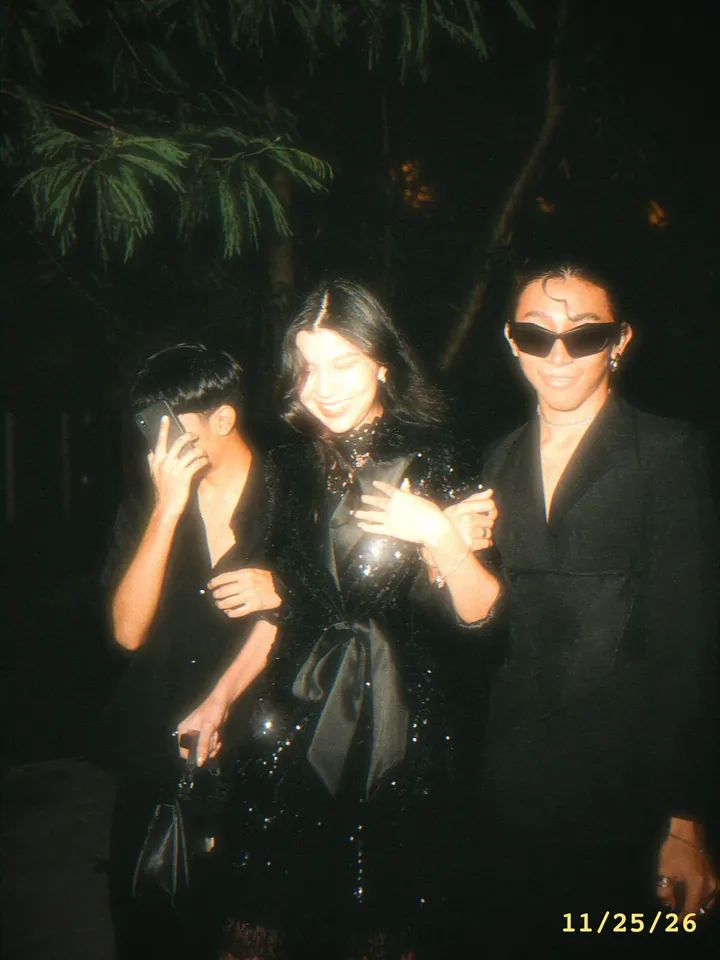
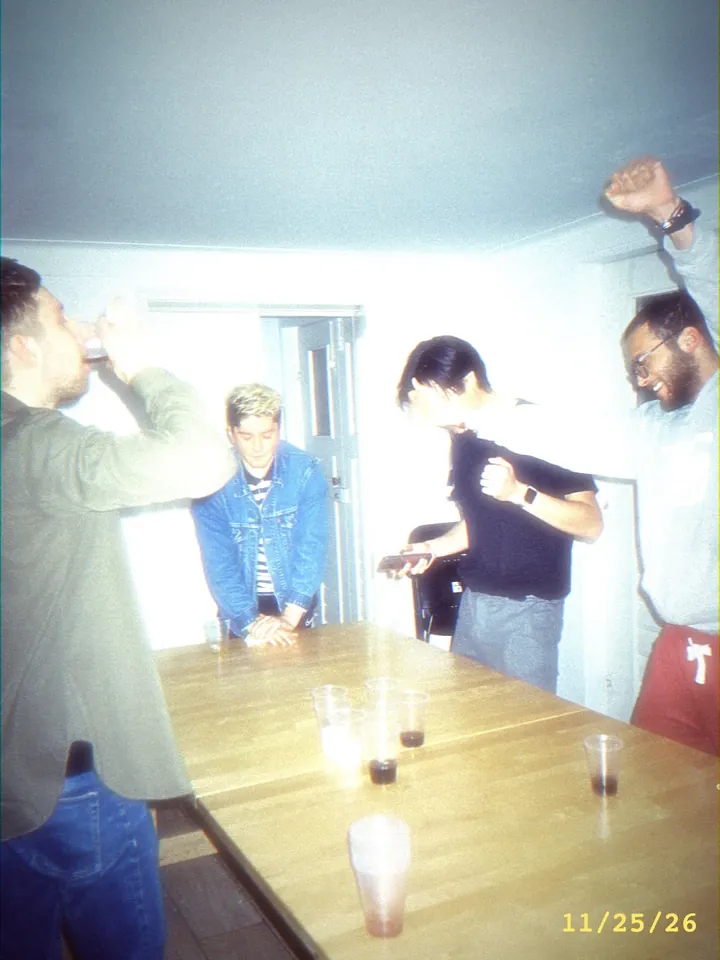
A disposable camera filter works when it copies what the plastic camera did to the light. Colour is the smallest part of it. Below is the same photo twice, then each habit with a way to get it on an iPhone.
 Original photo
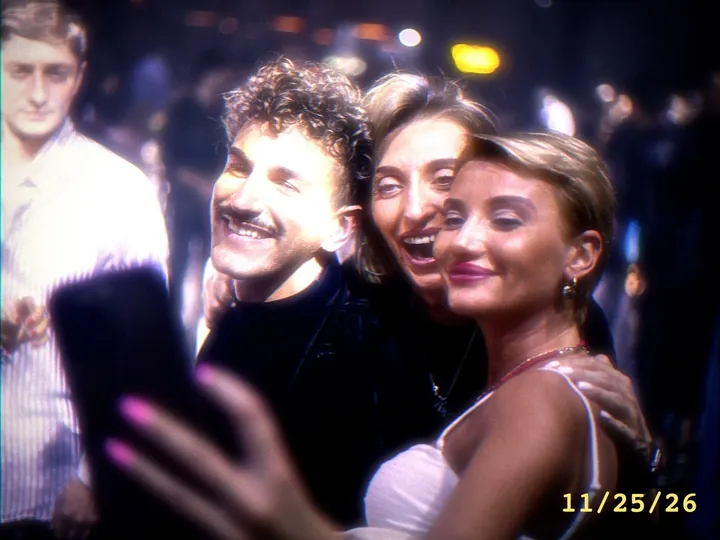 Disposable Flash
The same stock photo before and after the Disposable Flash camera in Y2KCam. The date is the day it was processed.
What a real disposable does to a picture
Take a Kodak FunSaver as Digital Camera World describes it: ISO 800 colour film, one plastic lens element of 30 mm with a fixed aperture of f/10, and nothing to focus. Everything you recognise follows from that list.
| What you see | Where it comes from |
|---|---|
| Bright faces, black background | The flash sits next to the lens and lights only what is near. Whatever is behind your friends falls into the dark. |
| Grain | Fast film is made for bad light, and the crystals that make it fast are the ones you see. |
| Soft detail | A single plastic element cannot draw a sharp edge, least of all away from the centre. |
| Dark corners | The small lens sends less light to the edge of the frame. |
| Off colours | Film balanced for daylight turns yellow under bulbs and green under tubes. |
Get close with the iPhone's own editor
No app needed, and a fair result if the light was right when you shot it.
- Shoot with the flash on. Stand one to two metres away with the room dark. This step does more than all the sliders.
- Open the photo, tap Edit, then Adjust. Swipe through the settings under the picture. Apple explains the sliders in its guide to editing on iPhone.
- Raise contrast and black point. Let the background go black. Pull highlights up until skin starts to glow.
- Warm it up a little, and add a touch of green with the tint slider if the room had bulbs.
- Lower the sharpness, add vignette. A little of both is enough.
The missing piece is grain. Apple's guide offers a film texture and grain for photos taken on iPhone 18 Pro models and iPhone Duo. On other iPhones the editor has no grain control, the photo stays too clean, and that is usually why a careful edit still looks like a phone.
Get it in one tap
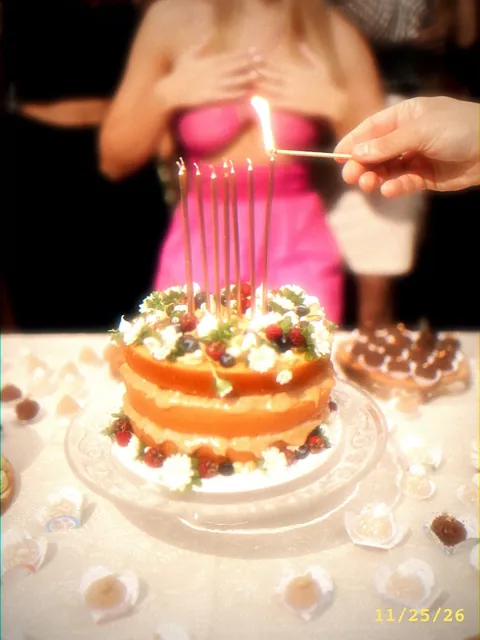
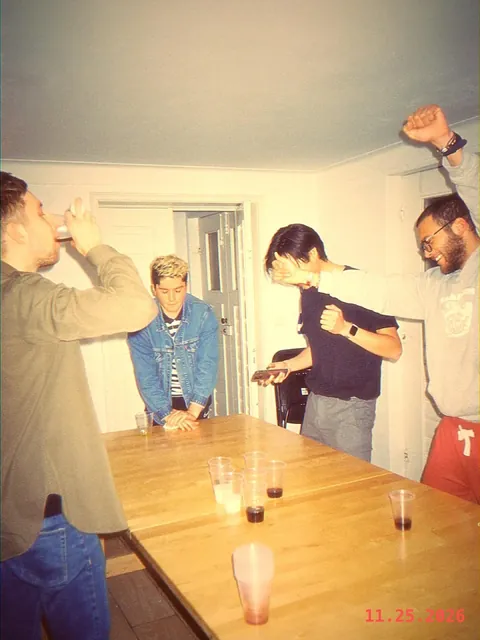
Disposable Flash in Y2KCam is a recipe of those same habits: a lift in exposure, hard contrast, a glow around the highlights, heavy grain, dark corners and a lower resolution. It uses no AI, so faces keep their features. You see the result in the viewfinder before you shoot.
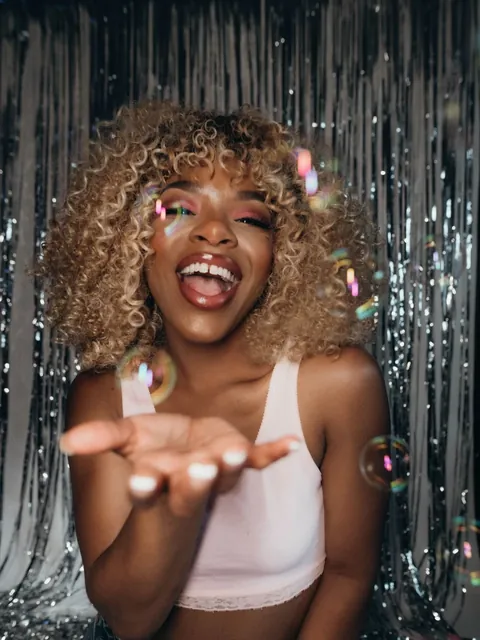 Original photo
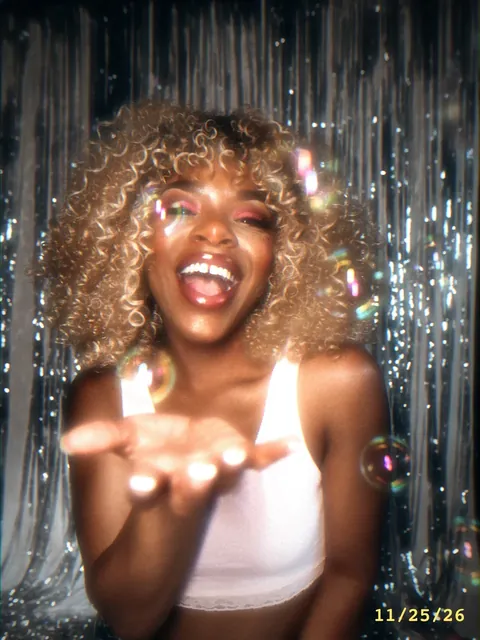 Disposable Flash
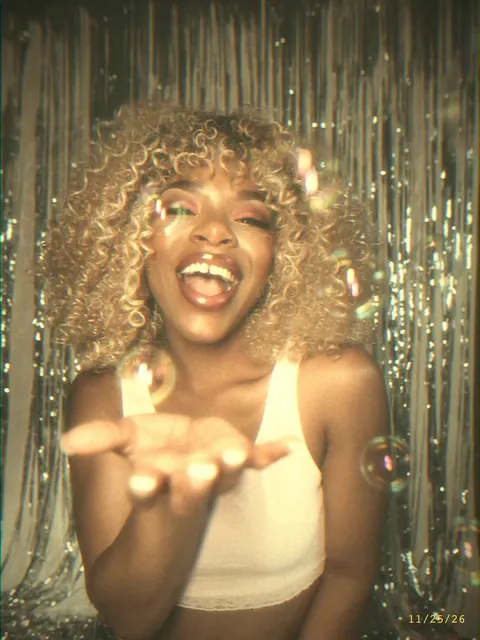 Flip Phone '06
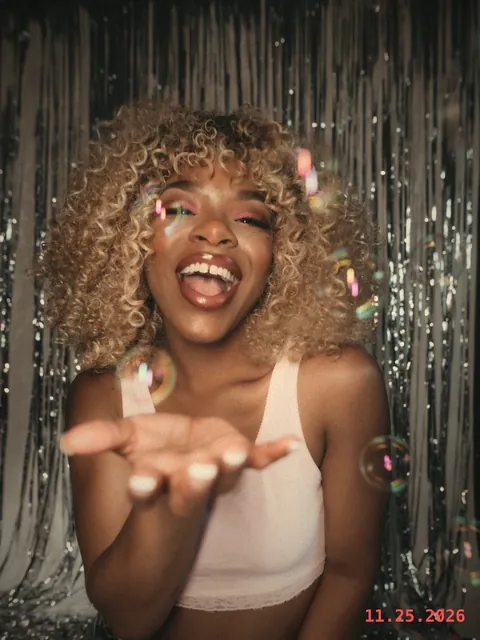 APS Film '96
One photo, three old cameras. Film grain on the far right comes from a camera modelled on 1996 APS film.
- Open the camera and turn the dial to Disposable Flash, or swipe across the viewfinder.
- Set the flash to On and stand close.
- Press the shutter. The editor opens, so you can add a light leak or leave it.
- Tap Done. The finished photo is in your Photos library.
When the look falls apart
- Daylight with no shadows. A disposable in flat midday light looks like a faded phone photo. Put the sun behind you or wait for evening.
- Night mode. It brightens the whole room, and the black background is half the look. Switch it off before you shoot.
- People far away. The flash of a phone reaches only a short distance, just like the little flash on the cardboard camera.
- Too many effects. One light leak looks like an accident of the film, and three look like a template.