 Y2KCam


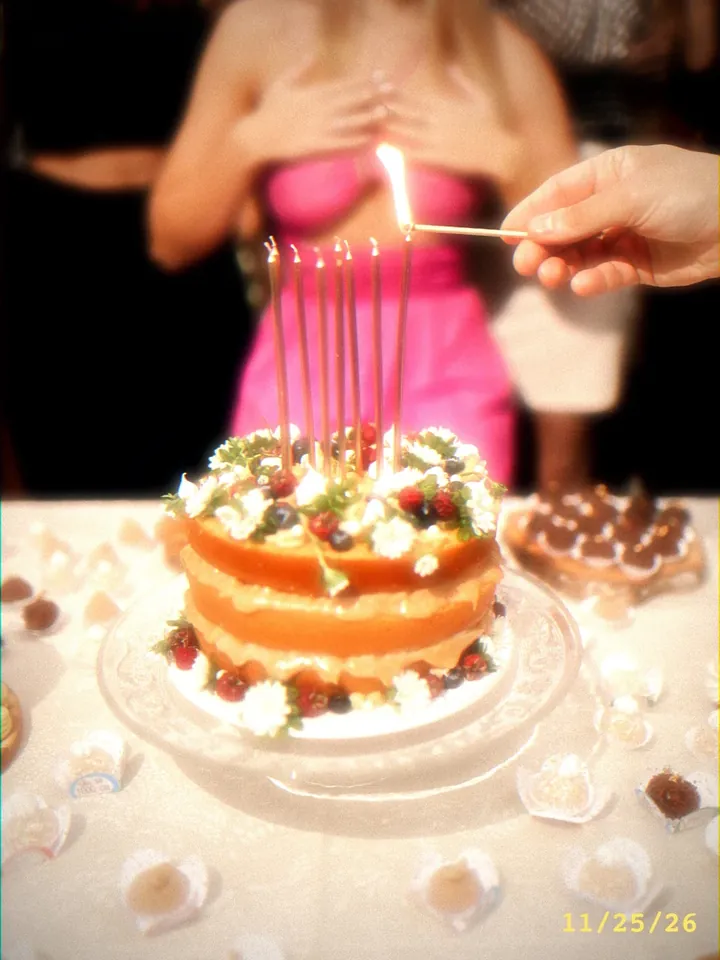
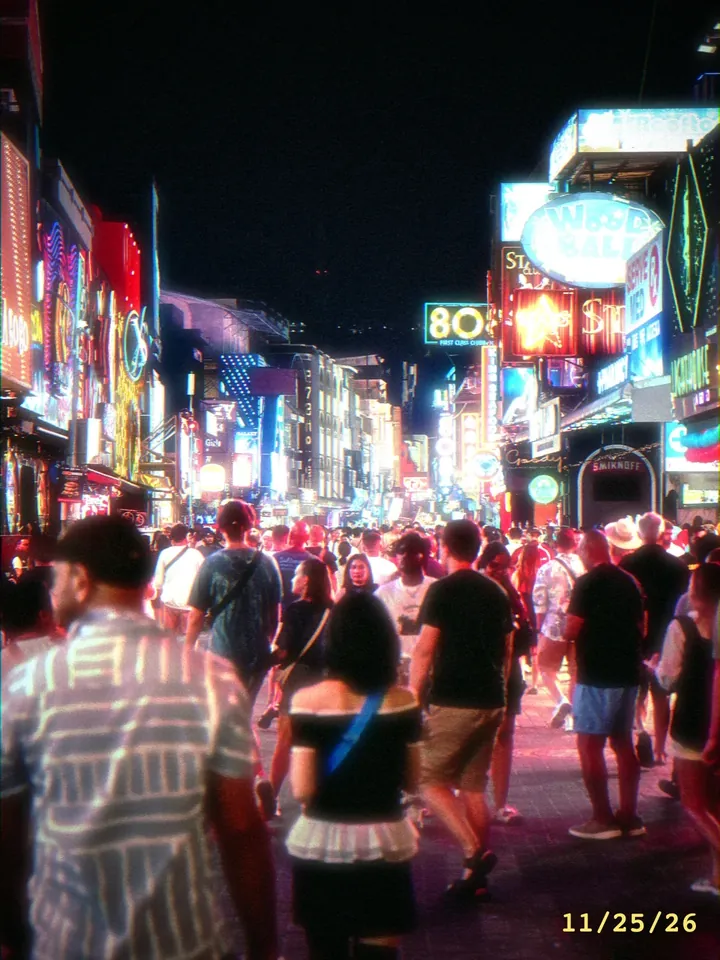
A disposable camera app is one of three things: a guest camera for an event, a roll of prints that comes by post, or a camera that gives your own photos the look. They share a name and little else. If you are planning a wedding you want the first, if you want paper you want the second, and for tonight's photos you want the third.
The three kinds compared
| Event camera | Prints by mail | Filter camera | |
|---|---|---|---|
| Who shoots | Your guests, on their phones | You, or a group sharing a roll | You |
| What you get | One gallery of everybody's photos | Paper prints in an envelope | Photos in your own library |
| When you see them | During the event or later, the host decides | After the roll is full, or when the post comes | At once, in most apps |
| Shot limit | Set by the host | The length of the roll | Usually none |
| Right when | Weddings, birthdays, trips with many people | Gifts, albums, a fridge door | Nights out, photo dumps, old photos |
| Examples | POV, Once | Later Cam, Lightsnap | Huji Cam, Dazz Cam, Dispo, Y2KCam |
Event cameras: guests scan a code
You make an event, the app makes a QR code, and the code goes on the tables. POV says guests scan it or tap a link without downloading the app, the host decides how many photos each guest can take, and the gallery opens during the event or the next day. Once describes the same idea with a private gallery and a time you choose for the photos to unlock.
The film look is a side dish here. What you pay for is the shared gallery, so compare guest limits, how long the photos stay online and whether you can download the full files.
Print apps: the photos come by post
Later Cam lets you shoot up to 27 photos without seeing them and mails 4x6 inch prints. On 25 November 2026 its site listed 27 photos for $9.99 and 5 for $3.49, with shipping included. Lightsnap sells a roll of 24, sends the prints to your home and adds a download link. Its App Store page says the pictures get grainy 90s filters and light leaks.
For comparison, Digital Camera World's review puts a real Kodak FunSaver with 27 exposures at around $16, and the Amazon price shown on the same page was $22 on 25 November 2026. The review says the lab can cost as much again or more, and the page on development cost has the numbers.
Filter cameras: your own photos, now
These replace your camera app. Huji Cam describes itself as "Just Like The Year 1998". Dazz Cam lists disposable among its film formats, next to instant, toy and CCD cameras. Dispo borrows the waiting as well: photos develop every day at 9 am.
Three questions sort them quickly. Can it use photos you already have, does the preview show the look before you shoot, and what does it cost after the trial?
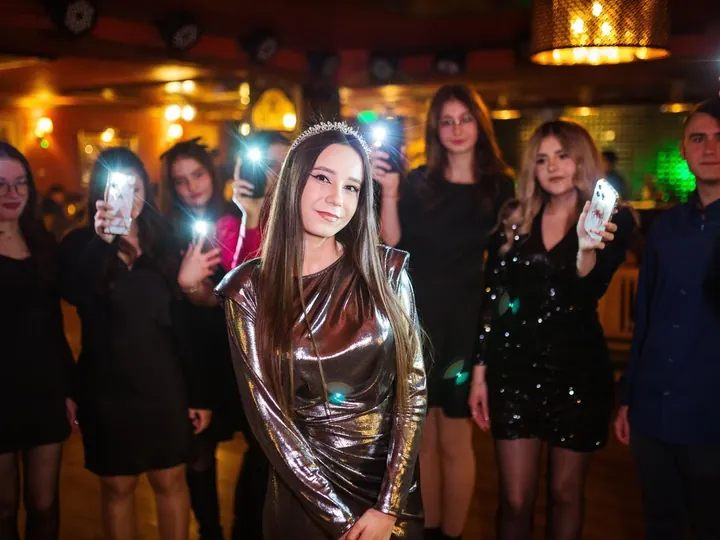 Original photo
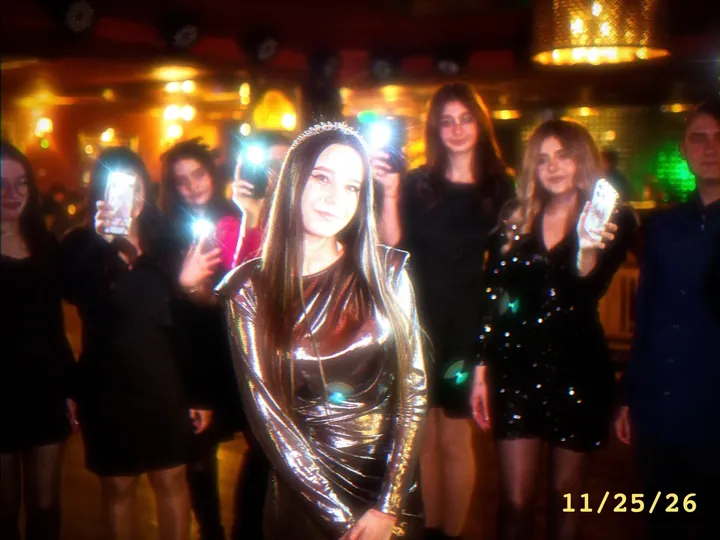 Disposable Flash
A stock photo before and after Disposable Flash, a filter camera. The face burns out, the room goes darker and the phone lights glow. The date is the day it was processed.
Where Y2KCam fits
Y2KCam is the third kind. Disposable Flash is one of its 17 cameras: a lift in exposure, hard contrast, glowing highlights, grain, lower resolution and dark corners. The look is live in the viewfinder, and there is no roll to finish and no morning to wait for. It also works on pictures in your library, and video records with the same look.
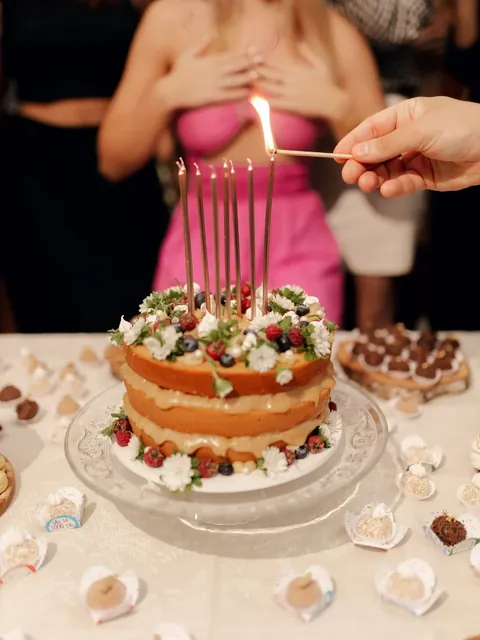 Original photo
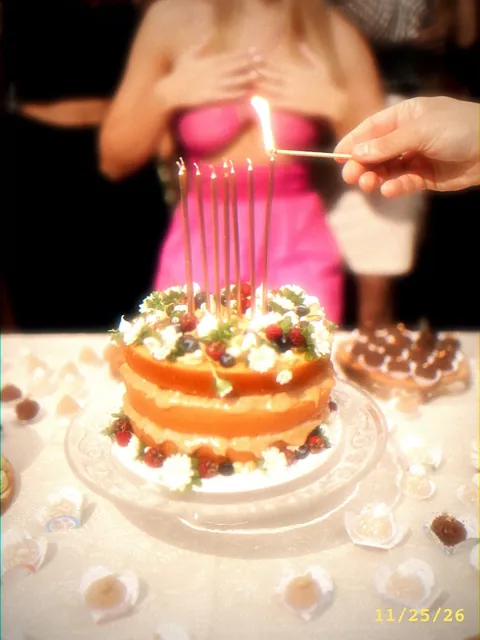 Disposable Flash
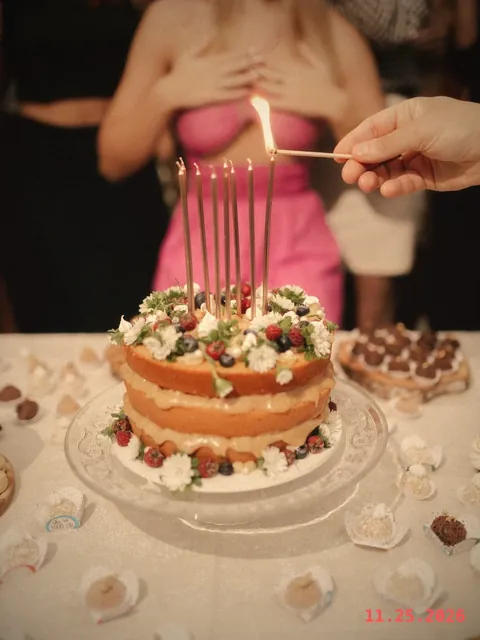 APS Film '96
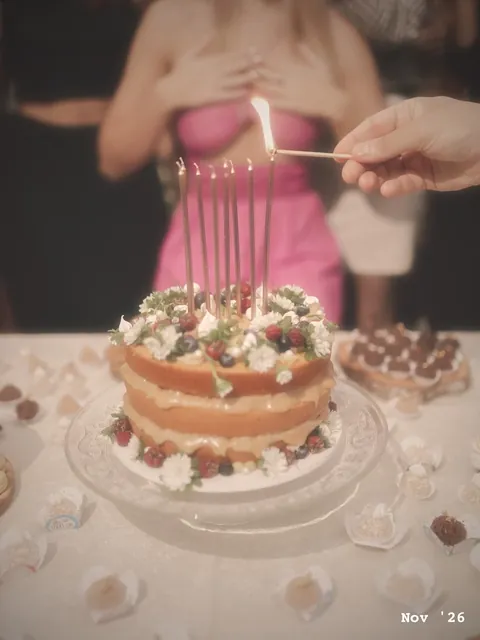 Polaroid
One photo, three film looks. Disposable Flash burns the tablecloth, APS Film '96 mutes it, Polaroid fades it.
It is a camera for one person. There is no guest code, no shared album and no printing service. Saved photos are up to 1920 pixels on the long side, and the date stamp shows today. A photo you import from last summer always gets one too, with the day of the import, bottom right, whatever the settings say. You can keep one photo free in setup. After that it needs Pro: in the US App Store it was $4.99 a week or $19.99 a year on 25 November 2026, with a free trial if you are eligible.
Get the look without any app
Turn the flash on, stand one to two metres away and let the background go dark. Then use the steps for the iPhone editor, which take a minute. If you want the orange numbers too, the date tool prints any date on a photo for free, in the browser.
Check these things before a big day
- Run the whole thing once with two friends, from the code to the downloaded file. Venues have bad reception in exactly the room with the bar.
- Read who can see the gallery and for how long.
- Look at the price for your number of guests.
- With prints, count in the days the post needs.